Resource behavior model
Behavior model
The behavior model of a resource will be used for offline programming and simulation. It describes the signal port configuration of the resource actors and sensors to define its logic behavior. As for example an identical signal port image of the physical resource can be built.
With the active actors of the resource, the system automatically builds a default behavior model, as in the example below. By default, each monostable and bistable joint behavior will automatically get
two joint value sensors which are combined with the minimum and maximum joint limit. This default model cannot be modified.
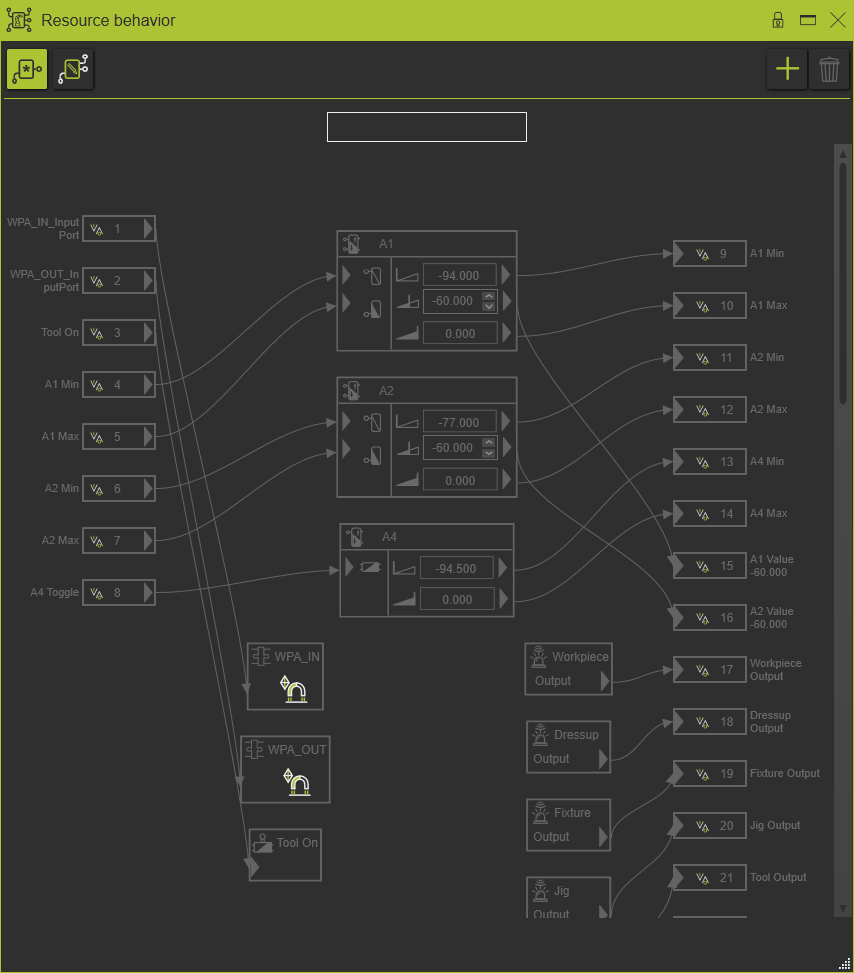
Different other behavior models can be created, called Extended models. Such an extended model can be modified to match with the real physical device or other user requirements.
The difference between the model types can be recognized by its symbol
 | Default model |
 | Extended model |
The behavior model is built with the following elements:
| Signal ports | ||
 | In-port, boolean | Connected to controller out-port |
 | In-port, 32-bit integer | Connected to controller out-port |
 | In-port, 16-bit integer | Connected to controller out-port |
 | In-port, 32-bit float | Connected to controller out-port |
 | In-port, 8-bit Byte | Connected to controller out-port |
 | Out-port, boolean | Connected to controller in-port |
 | Out-port, 32-bit integer | Connected to controller in-port |
 | Out-port, 16-bit integer | Connected to controller in-port |
 | Out-port, 32-bit float | Connected to controller in-port |
 | Out-port, 8-bit Byte | Connected to controller in-port |
| Actors, sensors and triggers | ||
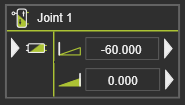 | Mono stable actor | one in-port two sensors, showing the joint limits more sensors can be added driven direction can be inverted |
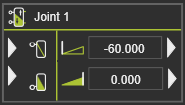 | Bi stable actor | two in-ports, to move the joint in positive and negative direction two sensors, showing the joint limits more sensors can be added |
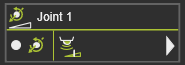 | Joint value actor | one in-port with the target value of the joint one sensor to detect if joint value has been reached more sensors can be added |
 | No actor | |
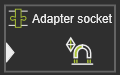 | Connection adapter | one in-port displays the connection behavior |
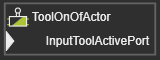 | Tool On/Off actor | one in-port |
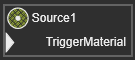 | Material flow source | one in-port |
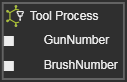 | Tool process | The in-ports of the specific process model. |
 | Proximity sensor | one out-port |
 | Light barrier sensor | one out-port |
Ports & connections
The resource has a undefined number of in-ports and out-ports that can be connected to the active actors of the resource.
Resource ports can be connected to the actor and sensor ports. But obviously only if they are of the same type (boolean, integer or float).
The following connections are supported:
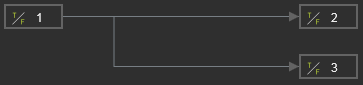 | Resource in-port to 1:n resource out-ports |
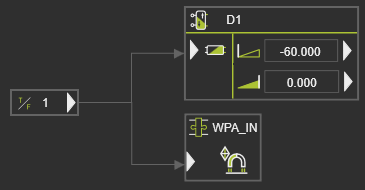 | Resource in-port to 1:n actor in-ports |
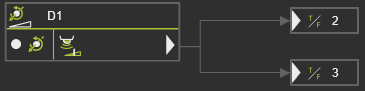 | Sensor out-port to 1:n resource out-ports |

