Anzeige der Prozessgeometrie umschalten

Der Display process geometry Befehl ist ein Umschalter zur Anzeige oder Ausblendung der Prozessgeometrie.
Das Drücken der Befehls taste wechselt zwischen dem Anzeige- und dem Ausblendmodus der Prozessgeometrie.
| Anzeigen | Ausblenden |
|---|---|
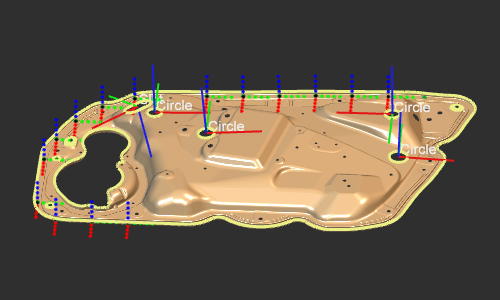 | 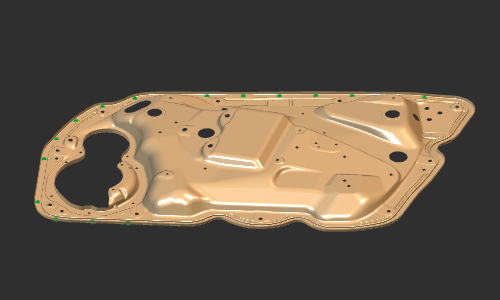 |
Durch Aufrufen des Untermenüs Pie kann definiert werden, welche Prozessgeometrie angezeigt wird. Punktbasierte, kurvenbasierte und oberflächenbasierte Prozessgeometrie können einzeln aktiviert werden: Das heißt, wenn sie hier deaktiviert sind, wird die Prozessgeometrie überhaupt nicht angezeigt, selbst wenn der Hauptschalter auf Anzeige eingestellt ist.

 Eine Ebene nach oben zurückkehren
 Anzeige der Oberflächen-PG aktivieren
 Anzeige der Volumen-PG aktivieren
 Anzeige der Punkt-PG aktivieren
 Anzeige der Kurven-PG aktivieren
Was this page helpful?