Bauen Sie die Plattenvorrichtung auf

Wenn der Create-Befehl in der Symbolleiste gestartet wird, aktiviert das System automatisch den Manipulator in der 3D-Ansicht. Der Manipulator steuert nun die Konstruktion der Vorrichtung.
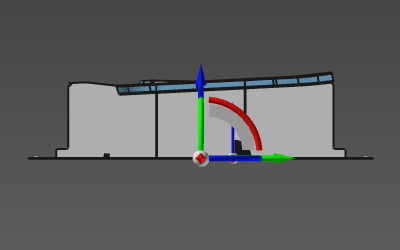
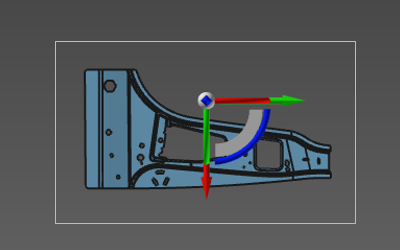
Die UV-Ebene des Manipulators ist die Bezugsfläche, auf der die Grundplatte der Vorrichtung berechnet wird. Mit anderen Worten: Der Abstand zwischen der UV-Ebene und dem Werkstück definiert die globale Höhe der Vorrichtung. Die U-Achse des Manipulators dient als Referenz für die Ausrichtung der Grundplatte.
| Höhe | Ausrichtung |
|---|---|
 |  |
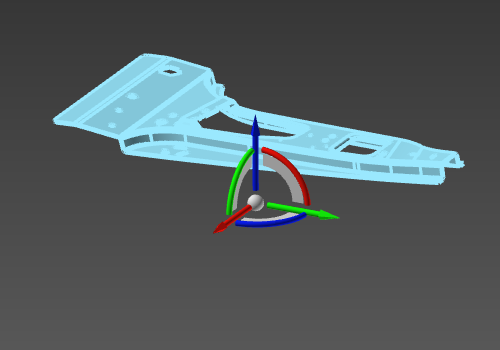
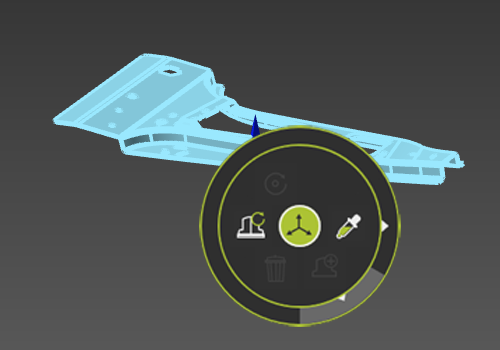
Nachdem der Manipulator positioniert wurde, muss das Werkstück ausgewählt werden, für das die Vorrichtung gebaut werden soll. Anschließend kann das Pie-Menü vom Zentrum des Manipulators aus aufgerufen werden.



Mit dem Create Befehl aus diesem Pie-Menü wird die Vorrichtung berechnet.
| Werkstück auswählen | Startbefehl | Ergebnis |
|---|---|---|
 |  | 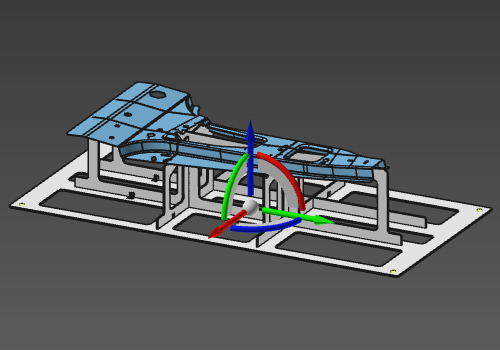 |
Basierend auf den systemvordefinierten Parametern besteht die Vorrichtung aus einer Grundplatte mit Tischbefestigungslöchern an jeder Ecke und 2 gleichmäßig verteilten Werkstückauflageplatten in Längen- und Breitenrichtung, welche die U- und V-Richtung des Manipulators darstellen. Die Größe der Grundplatte wird durch eine Begrenzungsbox um das Werkstück bestimmt.
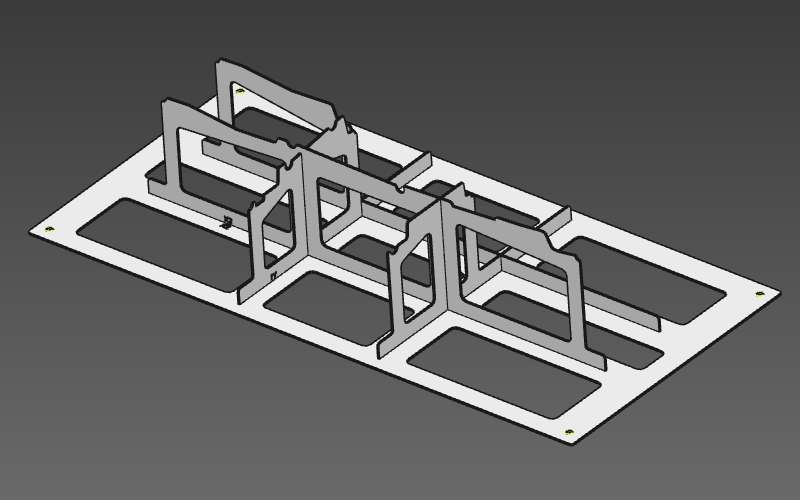
Die Vorrichtung ist ein regulärer Ressourcentyp von Objekt. Dies bedeutet, dass mit der Verwendung der Resource Eigenschaften Dashboard mehrere Attribute der Vorrichtung können definiert oder geändert werden.
