Interpolation-Unterstützung hinzufügen

Mit dem Add interpolation support-Befehl wird ein Werkzeugweg-Element, das zu einem Interpolationsintervall gehört, zu einer Unterstützung für die Interpolationsberechnung. Nachdem der Befehl gestartet wurde, muss das erforderliche Werkzeugweg-Element ausgewählt werden. Das Symbol für die Interpolationsunterstützung wird am Element platziert.
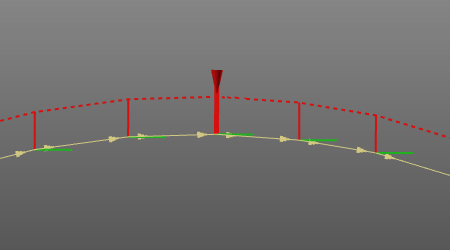
Bei oberflächenbasierten Werkzeugwegen bedeutet dies, dass die ausgewählte Bahn zu einer Unterstützung für die Interpolation wird.
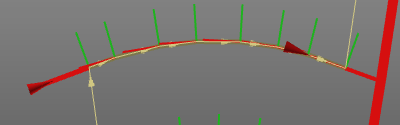
Beachten Sie, dass für die Vorrichtung die ursprüngliche Position des Werkzeugwegs verwendet wird, nicht die bereits interpolierte Position.
Die Änderung des Werkzeugbahn-Elements, das als Unterstützung dient, löst eine Neuberechnung der Interpolation aus.
Weitere Referenzinformationen

Was this page helpful?