Importieren

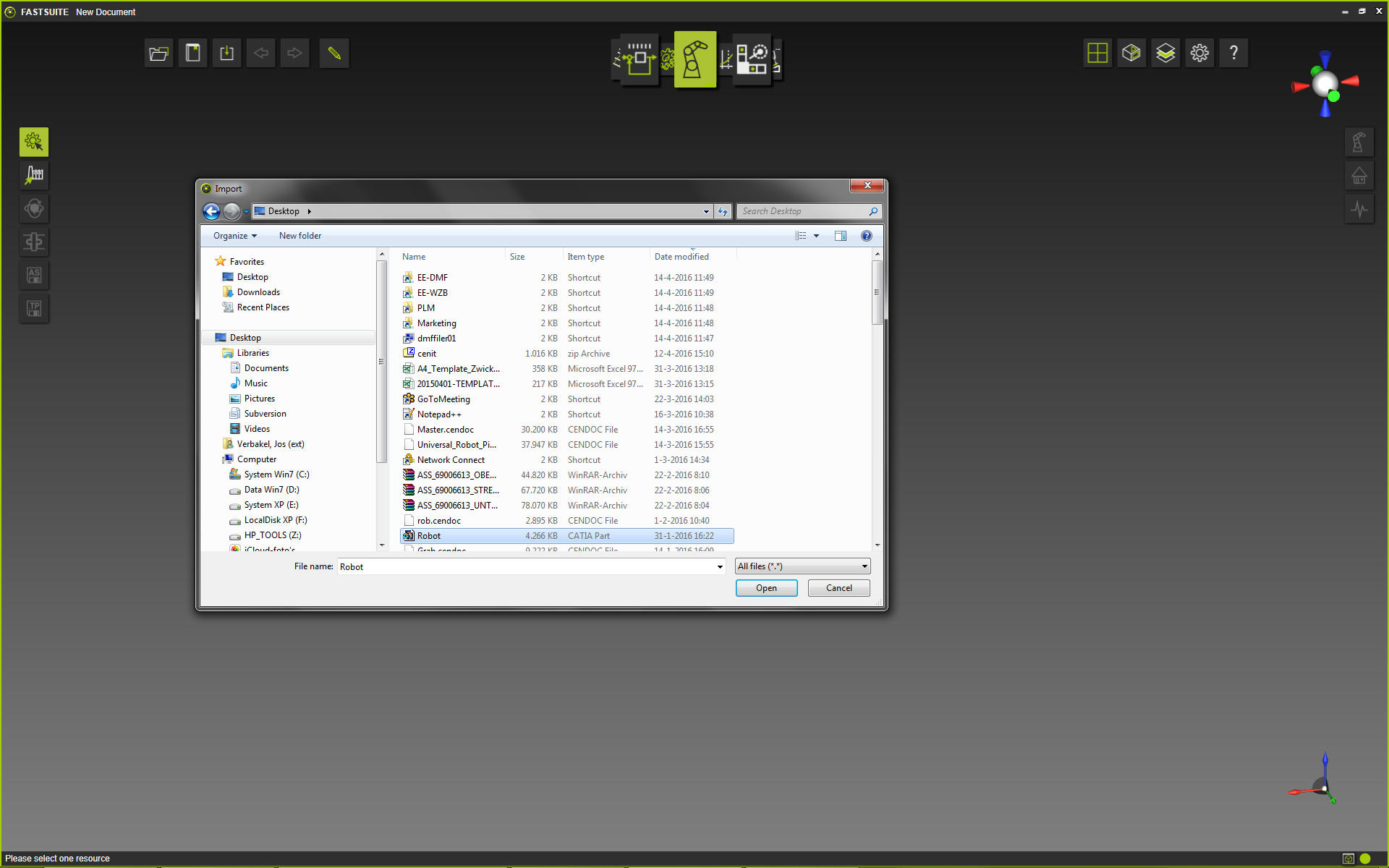
Der Befehl Import öffnet einen Standard-Dateibrowser, in dem die Daten gesucht und zur Importierung in das geöffnete Dokument ausgewählt werden können.
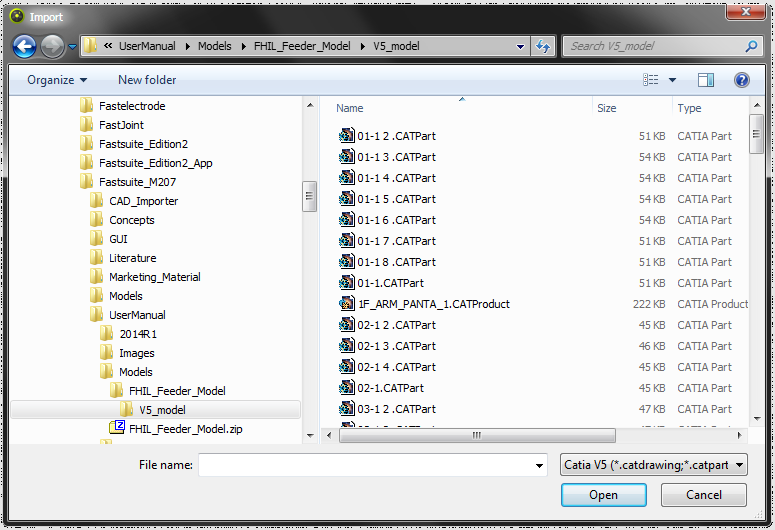
Der Dateibrowser verfügt über einen entsprechenden Suchfilter für jene Dokumenttypen, die mit diesem Befehl importiert werden können.
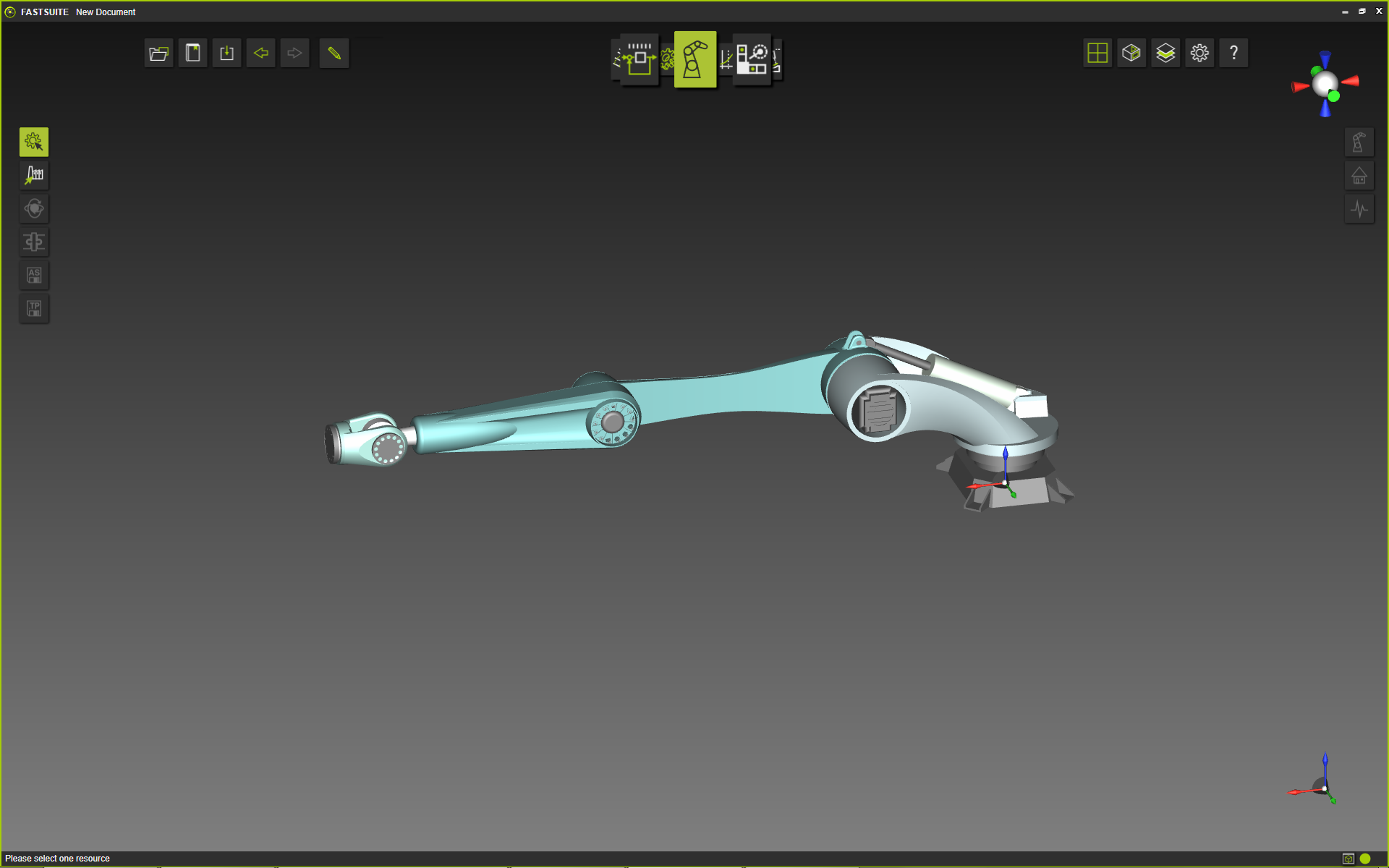
Es kann jeweils nur eine Datei ausgewählt werden, die dann in das Dokument geladen wird. Die Geometrie der Datei wird gemäß den Importeinstellungen importiert.
| Auswählen | Ergebnis |
|---|---|
 |  |

Was this page helpful?