Interaktiver Simulationsmodus

Der Interactive simulation-Modus ermöglicht dem Benutzer die interaktive Bewegung und Positionierung eines kinematischen Objekts in der 3D-Ansicht.
Mit dem Teach-Manipulator kann eine kinematische Ressource bis zu ihren Grenzen simuliert werden.
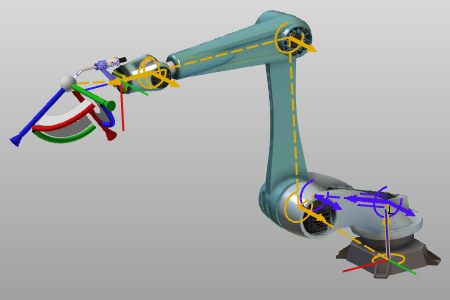 | 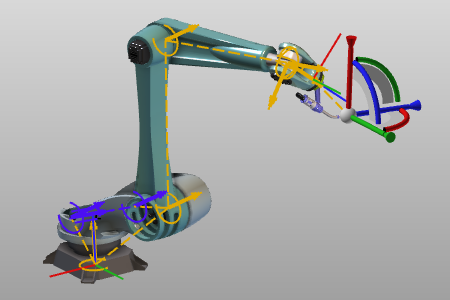 |
Das Auswählen eines angetriebenen (synchronen) Gelenks der kinematischen Kette ermöglicht es, dieses Gelenk bis zu seinen Grenzen zu bewegen.
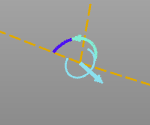
Ein Doppelklick auf die zentrale Kugel des Manipulators zeigt alle möglichen Konfigurationen der Ressource in dieser Teach-Position an.
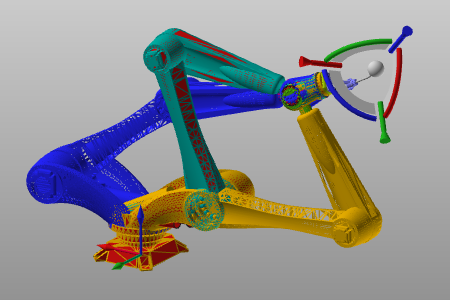
Im 3D-Ansichtsfenster öffnet sich das interaktive Pie-Menü:



Weitere Informationen zur interaktiven Simulation

Was this page helpful?