Weld seam calibration - seam finding with line laser

Seam finding with line laser method
This method uses a line laser to trace the start and end of the welding seam. The two scanned (to be found) positions then will be used to calibrate the welding seam. The method will be applied automatically before the welding operation is being executed.
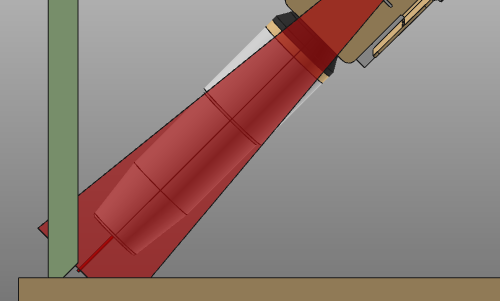
To reduce the tool motion, the method by default will start at the end position of the welding seam. After scanning it moves to the starting position of the seam to scan that position. After that it continues with the welding operation.
Operation cycles
The scan operation is a cycle of a fix number of pre-defined positions and motion behavior. The tool angle of the welding torch is set to -180 degrees in the programming attributes and is kept the same during the whole scan operation.
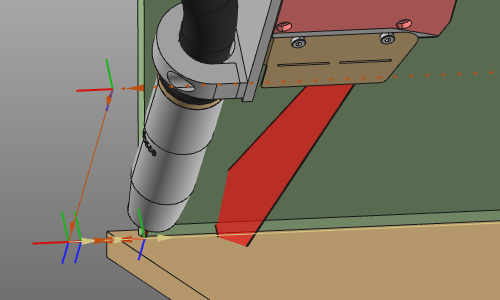
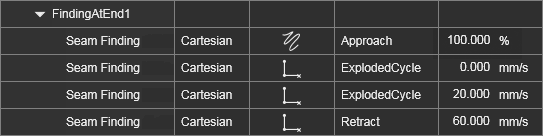
At both the start position and end position of the weld seam a scan operation cycle will be created
The cycle has the following positions, that describe the motion of the scan operation:
| Position | Description | Remark | |
|---|---|---|---|
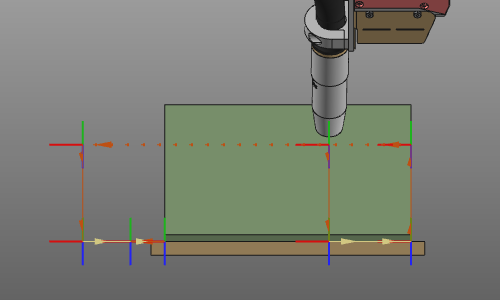 | Approach | The approach position at the end of the welding seam from where the first scan cycle starts. | Optional, but set by default in tool (Z) direction. |
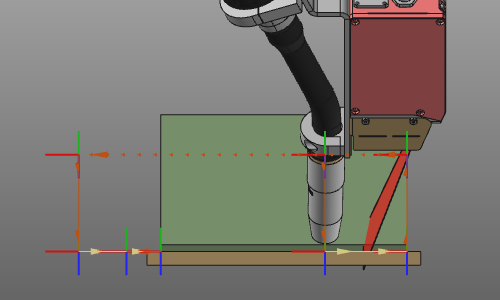 | Start scan | The position to start the scanning. This position lies on the welding seam at a predefined distance from the end of the seam. | When the position cannot be located on the welding seam, a tangential extrapolation is calculated from the end of the seam. |
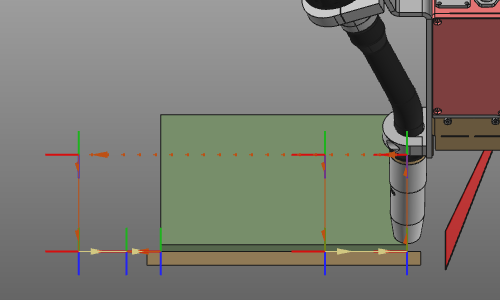 | Seam end | The welding seam end position. The scan moves from its start position to here. | |
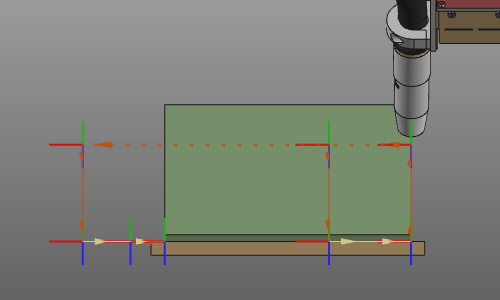 | Retract | The retract position when the scan has finished. | Optional, but set by default in tool (Z) direction. |
| Then the tool moves to the beginning of the welding seam. | |||
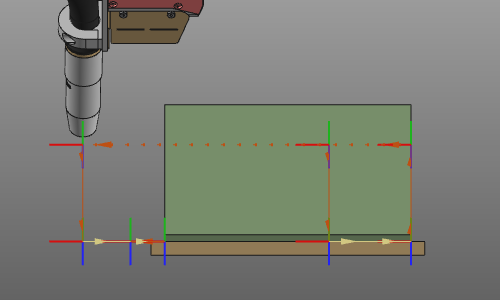 | Approach | The approach position at the beginning of the welding seam from where the second scan cycle starts. | Optional, but set by default in tangential (X) direction. |
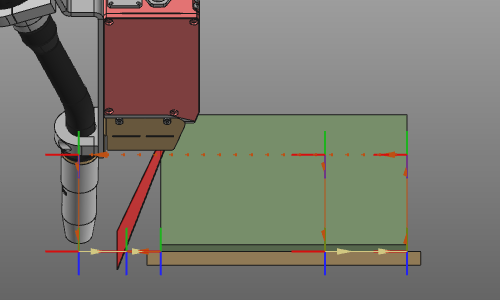 | Start scan | The position to start the scanning. This position is tangentially extrapolated from the seam beginning and is located in front of the seam. | |
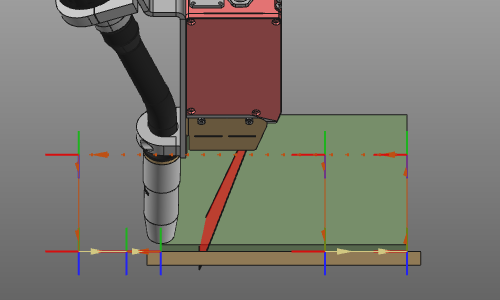 | Seam beginning | The welding seam beginning position. The scan moves from its start position to here. | |
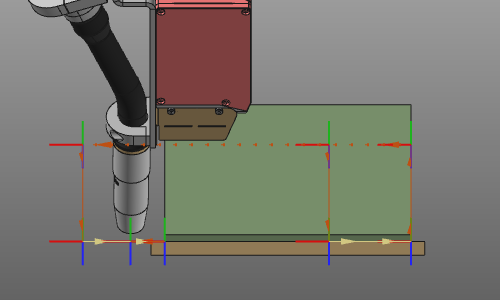 | Retract | The retract position when the scan has finished. | Optional, but set by default in tangential (X) direction. |
| From here the tool moves to the (approach of the) welding operation. |
Seam finding attributes
In the Seam finding with line laser tech tab of the Programming defaults the standard touch sensing attributes are available. Other controller manufacturer specific attributes may be displayed too but are not described on this page here.
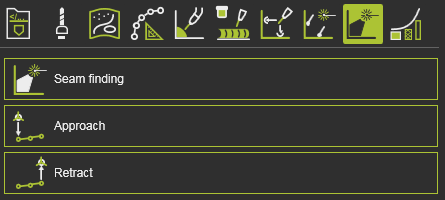
The Seam finding container includes the following attributes:
| Attribute | Description | Remark | |
|---|---|---|---|
 | Laser offset | The minimum distance between the tool frame and the laser. Determines the scan start position. | |
 | Inverse direction | Changes the scan start position from on the contour to outside the contour at the seam end. And vice verse at the seam beginning. | |
 | Sensing speed | The speed of the scanning motion. | |
 | Linking speed | The speed of the motion from the completed scan operation to the next operation (scan or welding). |
