Automatische Prozessoptimierung

Der automatic path optimization-Befehl führt die Funktion aus, die einige Algorithmen zur Verbesserung der Werkzeugbahnqualität und zur Minimierung der Evaluierungskosten ausführt. Im Reiter Werkzeugbahnqualität des Active program-Dashboards können die Parameter zur Steuerung der automatischen Pfadoptimierung eingestellt werden.
| Vorher | Nach |
|---|---|
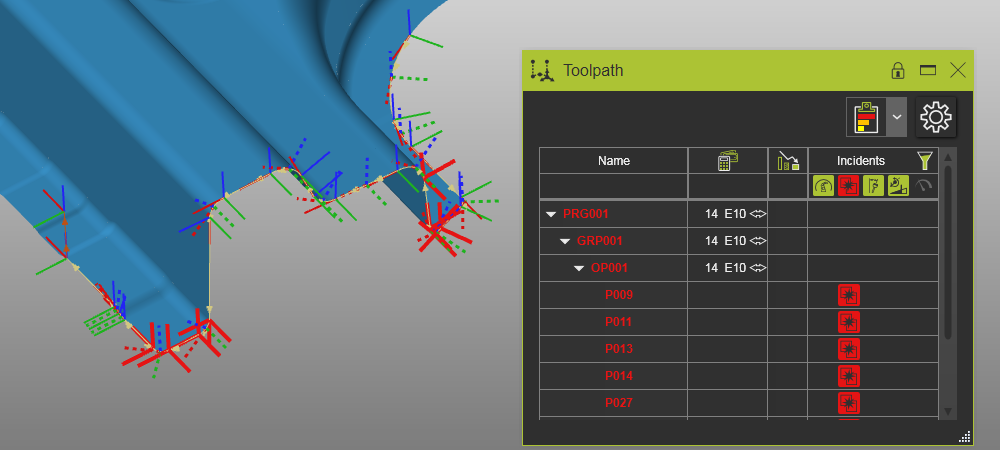 | 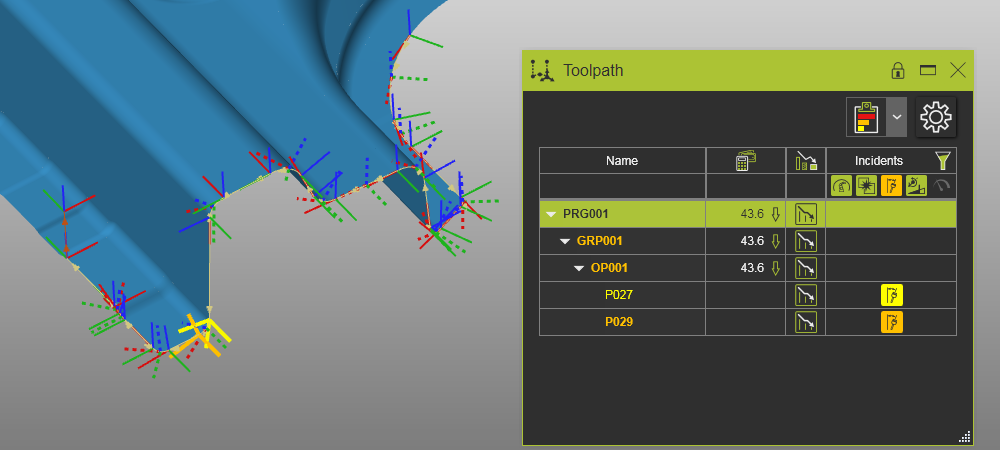 |
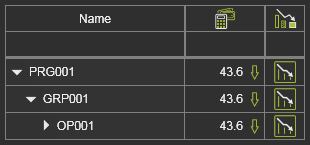
Im Toolpath-Monitor-Dashboard wird angezeigt, auf welchen Teilen des gesamten Programms die automatische Pfadoptimierung ausgeführt wurde.
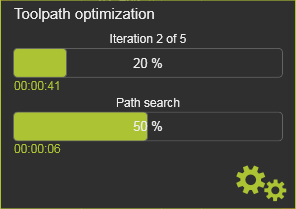
Wenn der Befehl ausgeführt wird, erscheint ein Panel, das den Fortschritt des Optimierungsprozesses anzeigt.
Mit dem optimierten Werkzeugweg erscheint ein Berichtsfenster. In diesem Bericht wird eine Zusammenfassung angezeigt, wie im folgenden Beispiel.
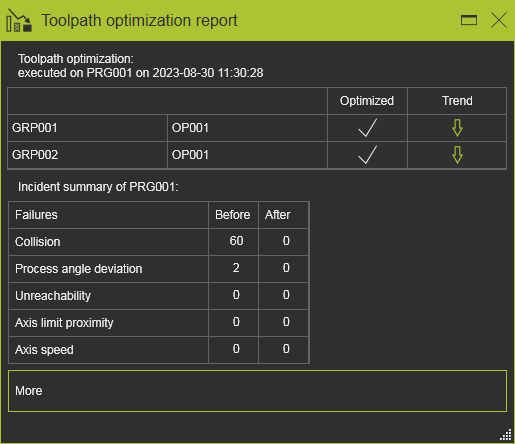
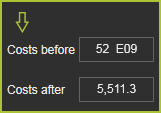
Beim Überfahren des Trendpfeils wird ein kleines Panel geöffnet, das die Kostenbewertung vor und nach den Optimierungsschritten anzeigt.
Im Kreis-Menü im Toolpath-Dashboard ist der Befehl Report vorhanden, um ihn bei Bedarf erneut zu öffnen.



Manuell veränderte Werkzeugbahnpositionen (Teach, Interpolation usw.) werden nicht berücksichtigt. mit diesem Befehl optimiert.
Die Verfügbarkeit des Befehls hängt von der angewendeten Technologie ab. Er ist möglicherweise nicht sichtbar in der Daher ist das Pie-Menü nicht verfügbar.
