Bestätigen

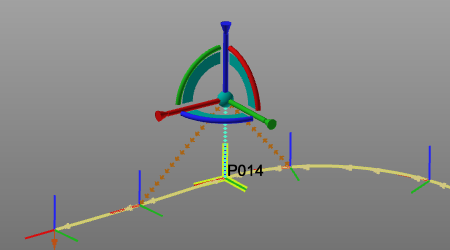
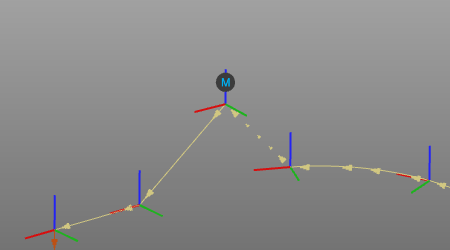
Mit dem Befehl Confirm werden die am Werkzeugbahn-Element vorgenommenen Änderungen ausgeführt.
Es gibt eine Tastenkombination für die Bestätigung. Standardmäßig ist dies die ENTER-Taste, aber diese Kurz Die Tastenkombination kann in den Tastatureinstellungen geändert werden.
Der Befehl ist nur erforderlich (und zugänglich), wenn Änderungen nicht automatisch aktualisiert werden, da in den Einstellungen angegeben.
| Ändern | Bestätigt |
|---|---|
 |  |
Weitere Referenzinformationen

Was this page helpful?