Definitionen der Kollisionsprüfung

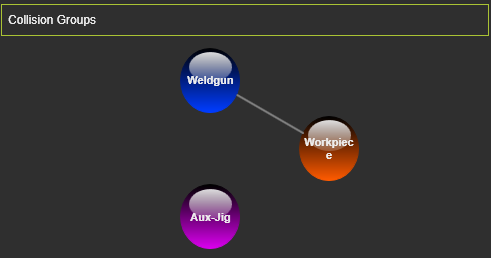
In diesem Container werden die definierten Kollisionsgruppen und Prüfungen angezeigt.
Jede Gruppe wird durch eine Punktgrafik dargestellt, die dieselbe Farbe wie die Geometrie in der 3D-Ansicht hat. Eine weiße Linie, die zwei Gruppen verbindet, zeigt die Prüfddefinition an. Das Überfahren eines solchen Punkts hebt die entsprechende Gruppe in der 3D-Ansicht hervor.
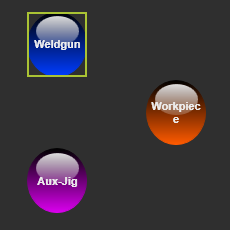
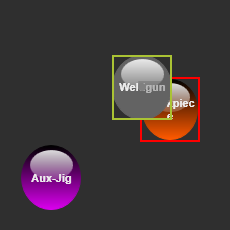
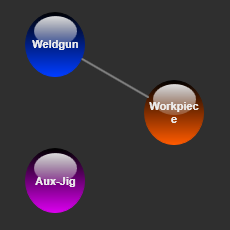
Die Prüfdefinitionen können hier verwaltet werden. Durch Auswählen eines Gruppenpunkts wird ein Aktivierungsrechteck darum angezeigt. Nun kann der Punkt auf einen anderen Punkt gezogen werden, um ihn darauf abzulegen. Wenn keine Prüfverbindung vorhanden war, wird eine erstellt. Wenn eine Prüfverbindung vorhanden war, wird sie gelöscht.
| Auswählen | Ziehen | Definiert prüfen |
|---|---|---|
 |  |  |
Kollisionsgruppen selbst werden direkt im 3D-View im Betriebsmodus verwaltet. Kollisionsgruppe aktivieren.
In diesem Container ist es auch möglich, eine definierte Kollisionsgruppe zu entfernen. Mit Verwendung der  -Taste wird die ausgewählte Gruppe aus den Definitionen entfernt.
