Kollisionsmodus

Der Collision groups-Modus ist der Modus zur Definition der Gruppen und Inhalte für die Kollisionsanalyse während der Durchführung einer (interaktiven) kinematischen Simulation.
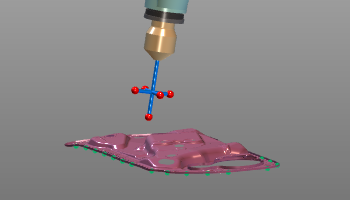 | 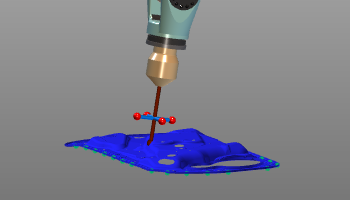 |
Bevor eine Kollisionsanalyse durchgeführt werden kann, muss definiert werden, welche geometrischen Objekte gegeneinander geprüft werden. Die Geometrie wird zu Kollisionsgruppen hinzugefügt.
Beim Auswählen eines geometrischen Objekts oder mehrerer Objekte kann ein spezielles Kreis-Menü aufgerufen werden, um diese Kollisionsgruppen zu definieren.
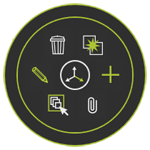


Wenn alle Gruppen gegeneinander analysiert werden sollen, kann das Pie-Menü in der 3D-Ansicht geöffnet werden.



In den Simulationseinstellungen kann die Kollisionsanalyse detaillierter definiert werden.
Weitere Kollisionsreferenzinformationen

Was this page helpful?