Zieh- & Einrastmodus

Der Drag & Snap-Modus ist insbesondere dafür vorgesehen, ein Layout einzurichten, um geladene Komponenten an ihren gewünschten Ort im Layout zu verschieben, ohne dass ein Wechsel zum Layout Builder Workbench erforderlich ist.
Im 3D-View öffnet es das Drag-Pie-Menü:



Das Umschalten in den Snap & Drag-Betriebsmodus aktiviert automatisch das Ziehen (Verschieben) einer Komponente. Die Komponente wird im geöffneten Layout bewegt.
Das Auswählen einer Komponente zieht diese stets auf einer 2D-Ebene. Standardmäßig ist dies die Wurzel-XY-Ebene. Wenn jedoch eine 2D-Ansichtsebene aktiviert wurde, erfolgt das Ziehen in dieser aktivierten 2D-Ebene.
| Start | Einrasten & Ziehen |
|---|---|
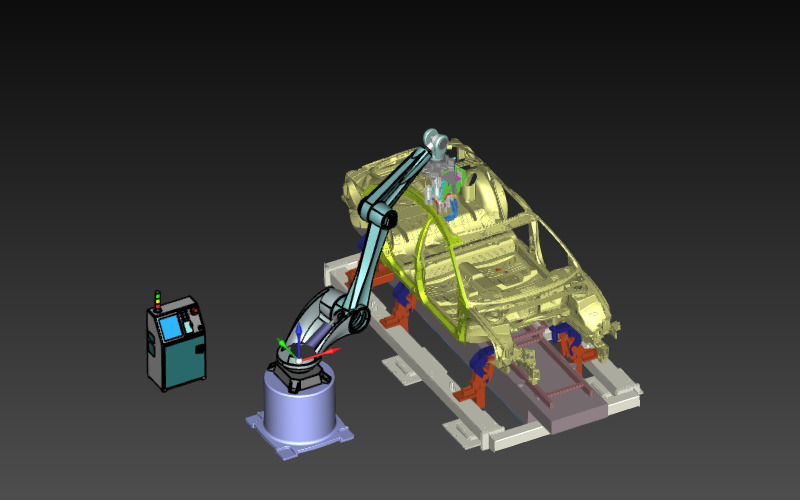 | 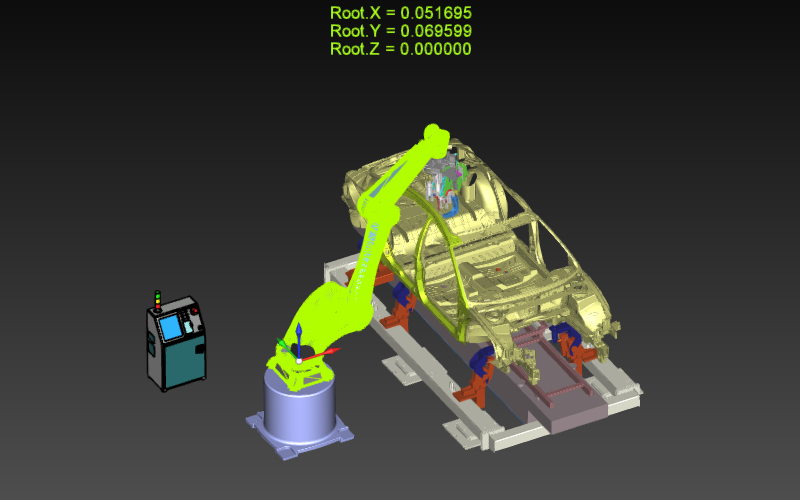 |
Wenn Sie eine Komponente ziehen und gleichzeitig die  -Taste drücken, wird das Layout-Raster angezeigt. Die Komponente wird beim Ziehen auf einem Rasterpunkt platziert.