User Defined Attributes
User defined attributes
User defined attributes can be specified in the component or layout Dashboard.
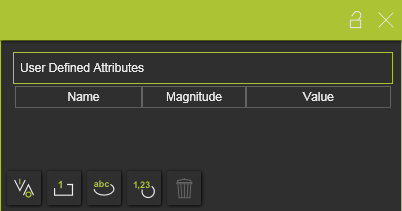
There are four main types of use defined attributes.
| Type | Description | Remark | |
|---|---|---|---|
| Boolean |  | An attribute that has either the value True or False. | The value is set True by pressing the value button 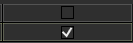 |
| Integer |  | An integer number of different magnitudes. For each magnitude the unit is set and displayed automatically. | A drop down list is available to specify the required magnitude 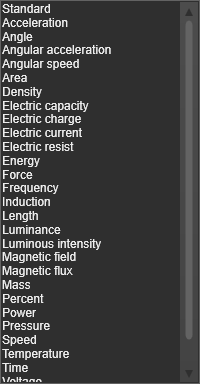 |
| String |  | A text based attribute. | |
| Float |  | A real number of different magnitudes. For each magnitude the unit is set and displayed automatically. | A drop down list, same as for the integer attribute, is available to specify the specific magnitude. |
The user defined attribute can be added by clicking on the attribute type button. The attribute will be added to the list and is given a default name and value. Selecting the name or value enables to modify it.
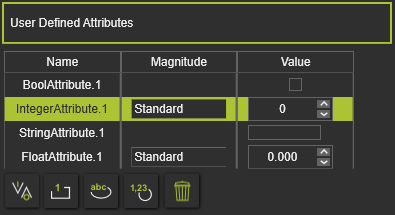
The currently active, selected, user defined attribute can be removed by pressing the Delete command button  .
.
User defined attributes being used in

Was this page helpful?