Modify the reference surface area

With the Modify the reference area command the reference surface area can be modified.
After the command has been started adjacent surfaces can be added to the area and existing surfaces can be removed from the area.
| Start | Editable result |
|---|---|
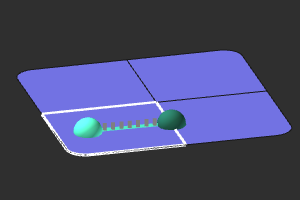 | 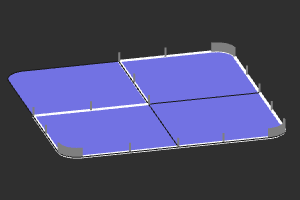 |
The modification mode has to be closed with the Exit reference area command. It can be found when opening the Pie menu on the reference surface again.
Was this page helpful?