Process geometry display filter

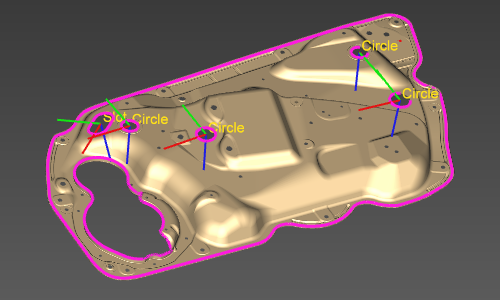
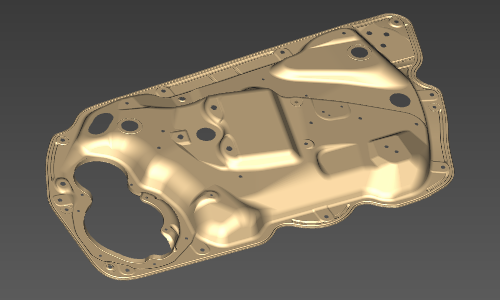
With the Show the process geometry button the process geometry elements are displayed or hidden.
| Show | Hide |
|---|---|
 |  |
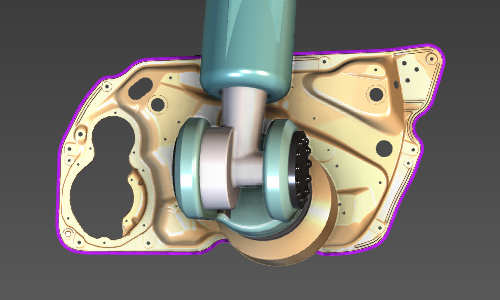
Render the process geometry on top
The option is a possibility to always show the process geometry elements on top of any geometry in any camera view direction, regardless if they would have been covered by any other geometry in front of the camera view.
| De-activated | Activated |
|---|---|
 | 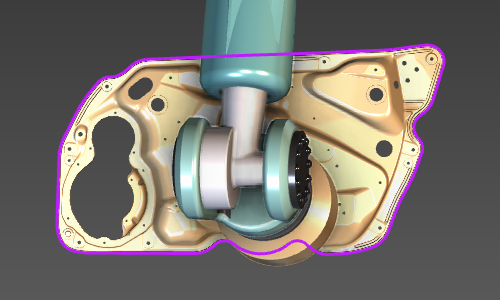 |
And furthermore there is the option to show only the programmed or only the non-programmed process geometry by pressing on of the two buttons.

Was this page helpful?