Edit the guide curve

The Edit the guide curve command opens the Edit contour window to modify or recreate the guide curve contour.
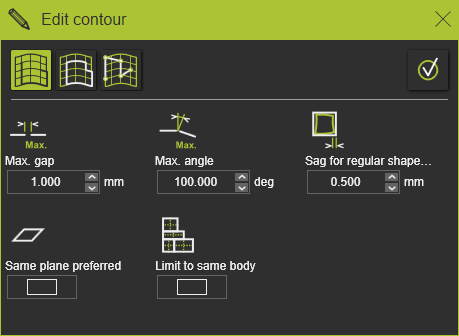
When the panel does not appear or has been closed, open the pie menu in the 3D space and press the command button

There are three ways to define or edit the guide curve contour.
 | Search until Builds the contour while searching along the edges of a surface or other geometrical curve elements. |
 | Search to close Tries to automatically build a closed contour starting from the selected surface edge or other geometrical curve element. |
 | Free search Builds a contour between interactively defined control points defined on a surface, a surface edge or other geometrical curve element. |
Each of these contour definition ways have their parameters and additional pie commands to support in searching the desired contour. Detailed information can be found in the reference pages that are listed below.
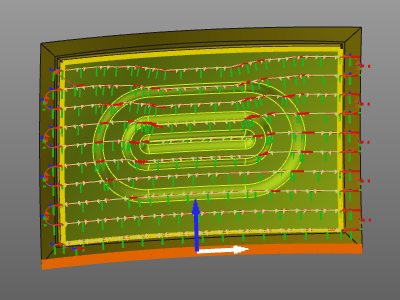
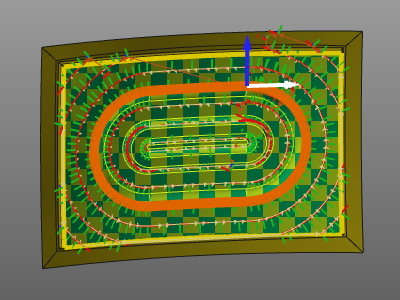
When the guide curve has been rebuild, the toolpath is recomputed automatically.
 |  |
More reference information

Was this page helpful?