Tech tab toolpath quality

Tech tab
This tech tab includes the specification and definitions that are used for the toolpath quality evaluation and optimization. Its exact content may vary per technology.

Evaluation criteria
The container includes all the criteria with their conditions that can be evaluated.
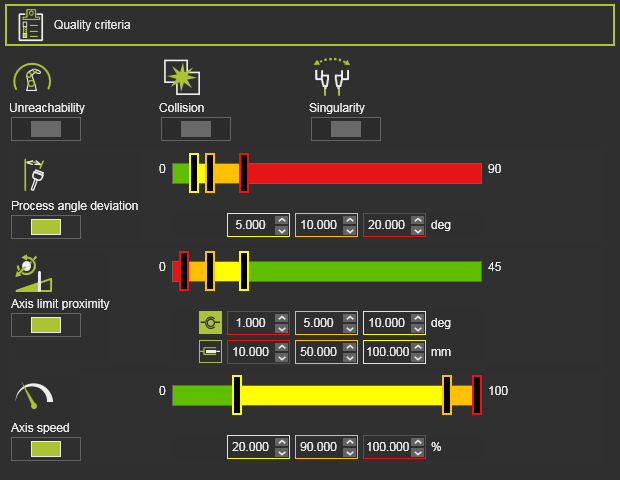
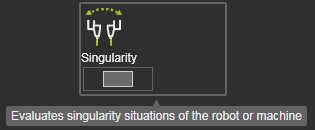
Each parameter has a tooltip that explains its meaning.
The switch button is used to activate or deactivate the evaluation of the criteria at creation and after update of the toolpath. With one exception however. Some criteria might be activated by system default and cannot be turned off. The collision evaluation is activated over the analysis switch in the simulation player toolbar.
There are two sorts of criteria; the one that only returns a true or false value and the one that returns a measured or calculated value, which is then validated against a target quality range.
The quality range of those criteria is an editable control.
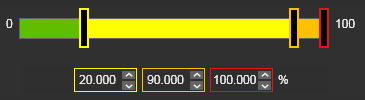
The total evaluation range has been divided in colored parts. Each color represents a specific quality level. The limit values of each range can be modified by either moving the color slider in the bar.
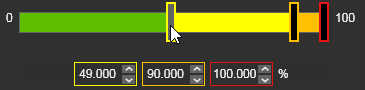
Or by editing the corresponding value in the fields below the slider bar. In both cases, the slider and the value are updated synchronously.
The following containers below, Variation space and Optimization control, are only visible in those technologies that support automatic toolpath optimization.

