Create process geometry

With the Create boundary process geometry command the indicated boundary of the surface generates the process geometry. This boundary is the result of the internal contour search engine.
When the command is executed, the contour search result is displayed in its edit mode, with its control points and normal direction markers. At this stage modifications can be made.
The process geometry creation is completed by pressing the  key, executing another command or picking in the empty space of the 3D View.
| Start | Editable result | Process geometry |
|---|---|---|
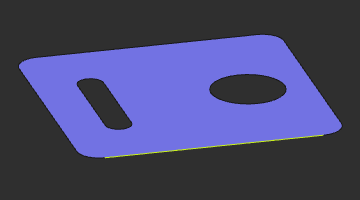 | 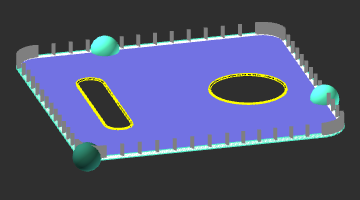 | 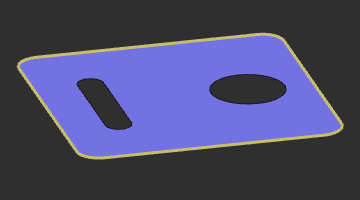 |
Was this page helpful?