Attach the geometry

With the Attach bodies command the geometrical bodies will be linked to the workpiece. The geometry, and its location, is linked to the root frame of the workpiece
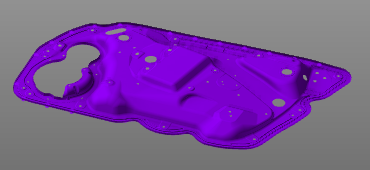
While attaching the geometrical, these bodies automatically are given a same default color. It is to support the user and make visible what bodies are attached already and what geometry is still unattached. This color mode is switched off automatically once the Attach geometry command is left.
Although this command is the next in line of the toolbar, it is not mandatory to first define the controller and then import the geometry to attach it. It very well can be convenient to import the geometry first.
Was this page helpful?