Select the program controller

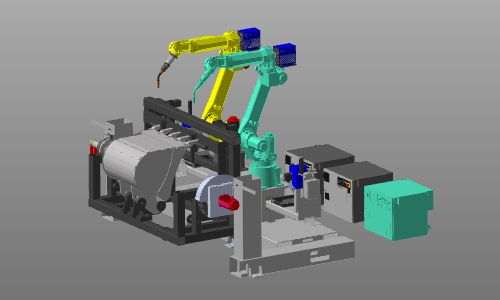
The first step for any (new) OLP program is to set the controller active that is going to run the manufacturing process. With the Select controller command a controller in the layout (of the workcell) can be selected, after which it is highlighted, including its connected resource(s). But also the connected resource of a controller can be selected to set its controller active.
In case the loaded layout only has one controller, this controller is set active automatically and this step is then completed already.
Was this page helpful?