Automatic path optimization

The automatic path optimization command executes in sequence the functionality to optimize the process path of the program and the functionality to generate a collision free motion link between two operations.
Open the pages of the individual commands to find the details of the functionality.
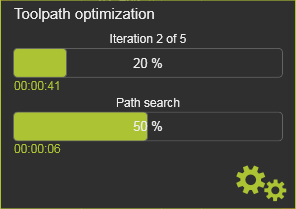
When the command is executed, a panel appears to indicate the progress of the optimization process.
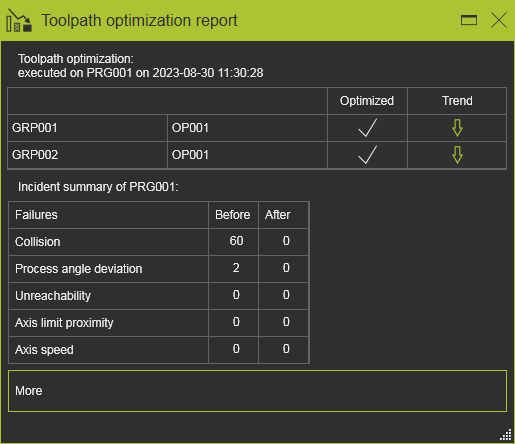
With the optimized toolpath a report window appears. In this report a summary is being displayed, as in the example below.
In the sub menu of the command, the individual functions can be executed.

More toolpath quality and optimization information


Was this page helpful?