Layout grid display filter

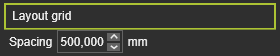
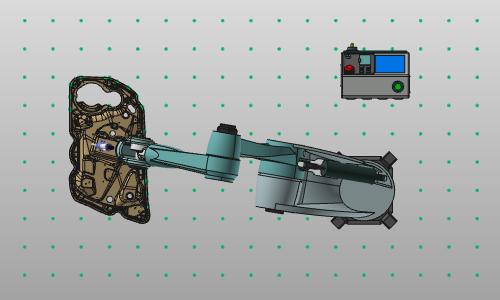
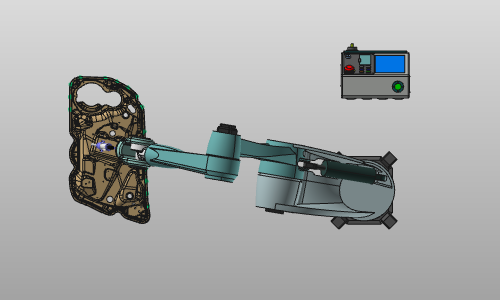
With the Show layout grid button a grid of points is displayed on the global XY-plane in the 3D View. In the Layout grid option, the spacing of the grid can be modified.
| Show | Hide |
|---|---|
 |  |
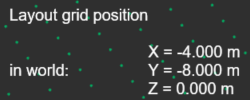
When hovering the mouse over the grid, its position is shown in the 3D Headup display. The display is automatically activated with the grid.
Was this page helpful?