Remove layer

The Remove layer command deletes layer definitions.
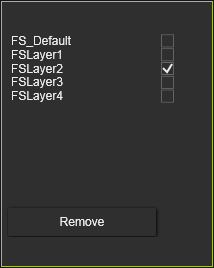
A new window appears where the layers can be checked out. The Remove button is to confirm the deletion.
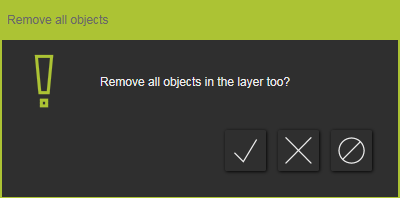
If geometry has been assigned to one of the checked layers, a window appears to inform the user and to decide how to handle. If geometry is not to be deleted too with the layer, it will be assigned to the default first layer of the model.
Was this page helpful?