Regular shape based process geometry

Command
With the Regular shape process geometry command normal contour based process geometry is created. The contour however is a regular, predefined 2-dimensional shape.
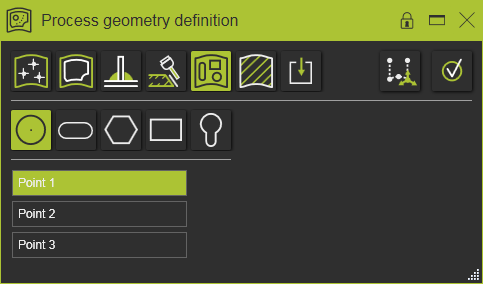
The system supports the creation of several different types of regular shape. They have in common that they are always being created over three points.
Create
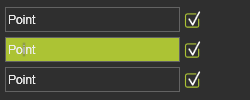
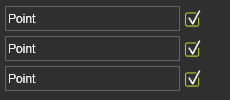
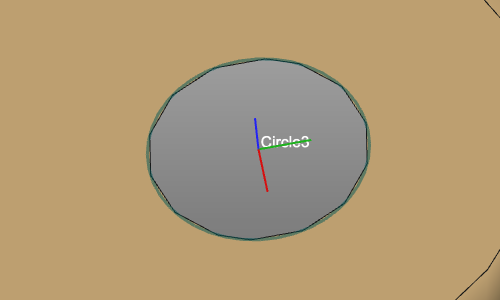
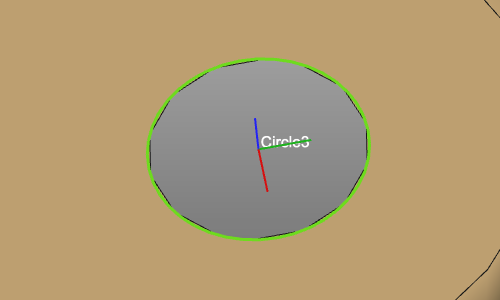
To create such a shape in sequence the three points need to be picked. Each time a point has been picked, a confirmation symbols appears in the panel. When all three points haven been picked and the shape can be built, a preview appears. After final confirmation the process geometry is generated.
| Points are defined | Preview | Generate process geometry |
|---|---|---|
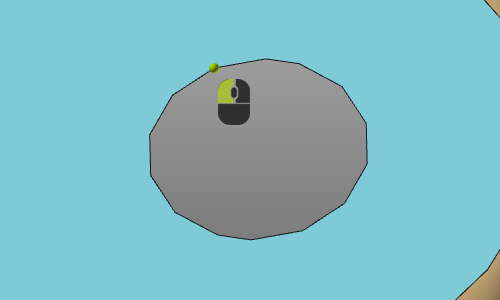 | 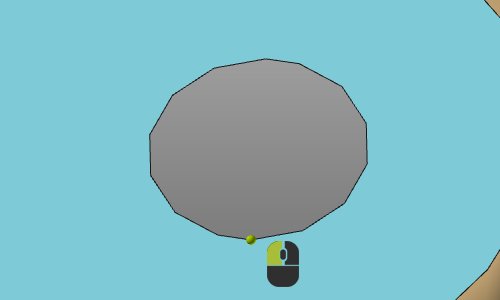 | 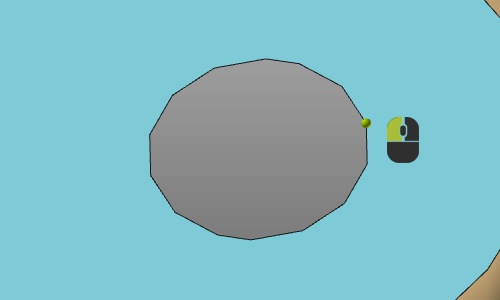 |
| Pick three points | ||
 |  |  |
As long as the generation of the process geometry has not been confirmed, the three point definition can be modified. Simply select the required point in the definition panel to activate it and pick the new point in 3D. It will update the preview immediately.