Add existing components

With the Add existing components command an existing single component or layout can be loaded into the active layout. The command will open a standard file browser, where the component or layout can be selected. Multiple files can be selected to be loaded at once.
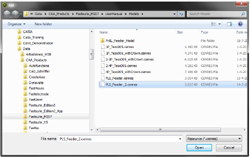
Only FASTSUITE Edition 2 document types can be selected here. The search filter is automatically set for these type of documents.
When the component is added, it will be placed in such way that its origin frame (root frame) is positioned and aligned with the origin frame of the active layout in which it is loaded.
| Start | Added |
|---|---|
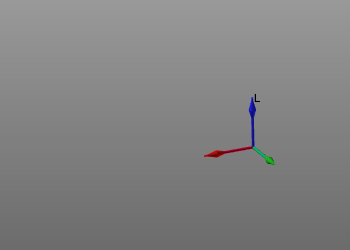 | 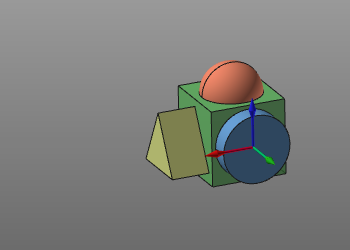 |
The Add command can also be started with the keyboard short cut combination Ctrl + A.
Was this page helpful?