Re-size the base plate

With the Re-size command the size of the base plate can be modified.
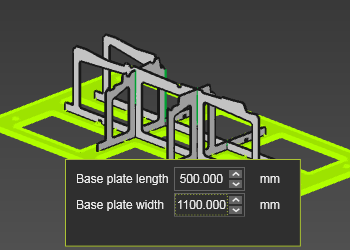
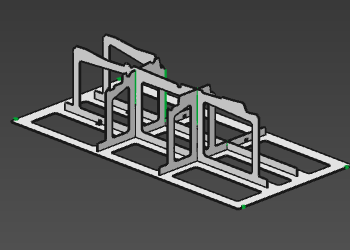
A small window appears. The size editor shows the current length (U-direction) and width (V-direction) of the base plate. They can be modified by entering a new value. Closing this window, or picking in the 3D View with the left mouse button, will execute the update of the size.
| Re-size | Result |
|---|---|
 |  |
Was this page helpful?