Select an assembly

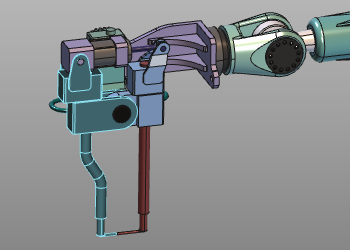
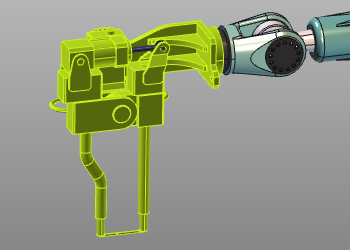
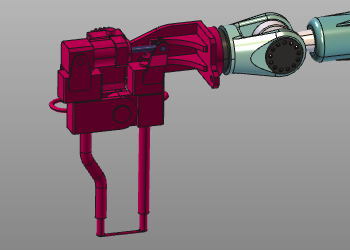
With the Select current assembly command the whole assembly to where the picked element belongs to will be selected. After this command the selection can be added to an existing collision group or to a new group. The required command has to be executed by re-opening the Pie menu on the selected assembly.
| Pick | Assembly selected | Group defined |
|---|---|---|
 |  |  |
Was this page helpful?