Convert the contour

The Convert command turns the process geometry into an auxiliary guiding contour for a surface process geometry that will be used for side tangent programming.
After the command has been started on the process contour, the target process surface has to be selected to which the contour is going to be assigned. As a result the process contour is converted into a regular, hidden contour and linked to the surface process geometry.
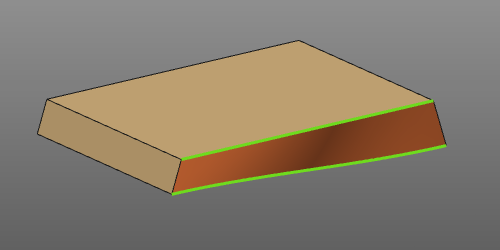 | 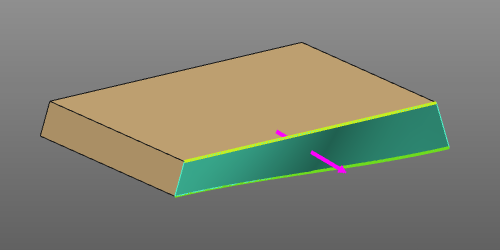 | 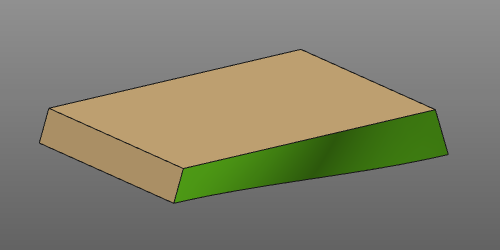 |
This command is related to the side tangent toolpath programming functionality and can only be executed when the contour process geometry has not been programmed already.
The process geometry contours that are to be converted as auxiliary contours for a surface not necessarily need to represent an edge or boundary of that surface. However, it has to be understood that in such case the programming of the tangent surface may lead to unpredictable or incorrect results.