Layer manager

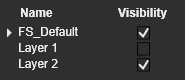
The Layer manager command in the View Toolbar manages the available layers and the visibility status of them. The content of the layers can be defined with the global command from the Pie menu.
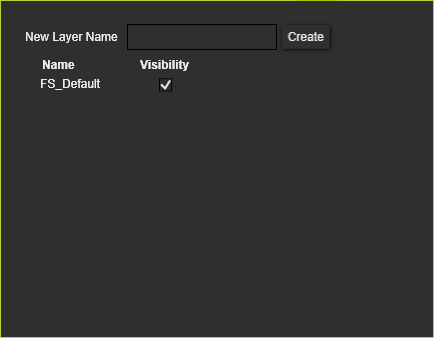
New layers can be created in the top of the window. The name of the new layer has to be inserted here after which the Create button has to be pressed to confirm the new layer.

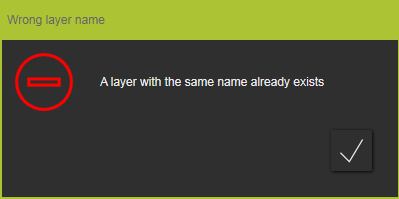
The new name then appears in the list of available layers. In case a layer with the same name already exists, a warning message will appear.
The visibility of the layer can be switched on or off. It means that all objects assigned to that layer are either shown or hidden. The use of the layer visibility overrules the individual actions of the user to place certain objects in the Show or Hide workspace