Toolpath duplicate

Command
With the Duplicate transformation a number of copies of the toolpath will be created.
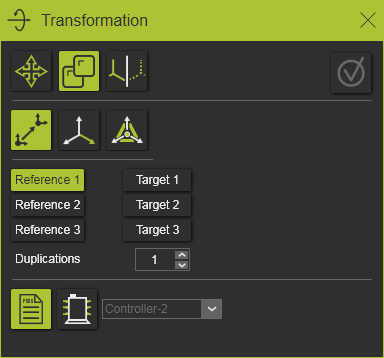
There are three different definitions methods available.
Point to point
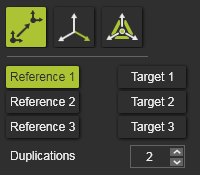
The method works in three pairs of picking a reference and a target point to define the transformation matrix, the same as for the Move transformation.
Starting with the first reference point in the panel, the corresponding 3D point has to be selected, after which the matching target position has to be selected. Each selected reference or target position is presented by a small sphere. In the panel itself, a confirmation mark is displayed.
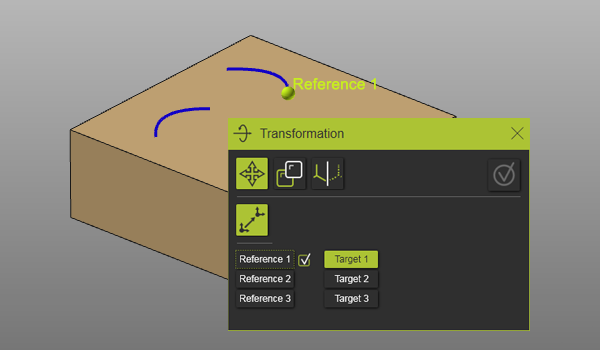
Each pair of reference and target position extends the transformation matrix.
| 1. pair | Defines the translation (vector) between the reference and target position. | 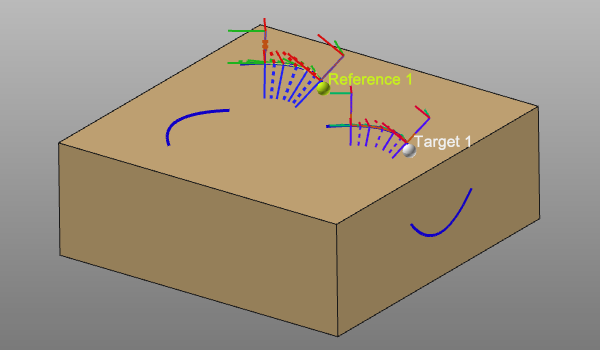 |
| 2. pair | Defines the rotation at the target start position. The angle is measured between the vectors that are generated between point 2 and point 1. | 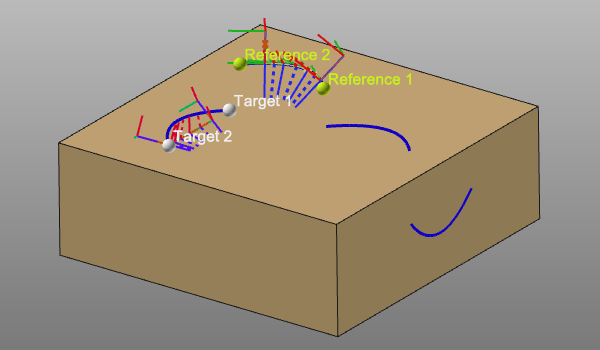 |
| 3. pair | Defines an axis to axis transformation. With point 1 and 2, point 3 generates a temporary, local system at the reference and target position. | 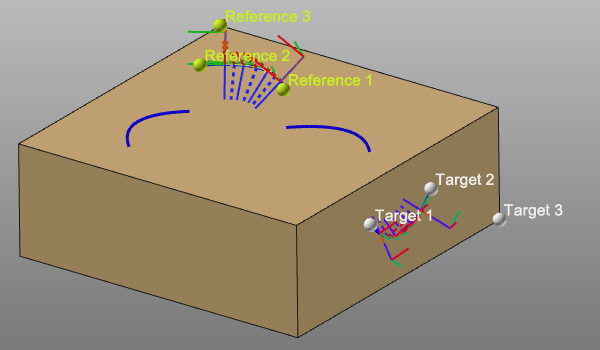 |
And furthermore the number of duplications has to be set. Then finally the duplication can be executed.
A reference or target point can be modified by picking its control object in the panel. The selected point is deleted automatically, the confirmation mark disappears and a new point can be selected to complete the definition again.
Frame to frame
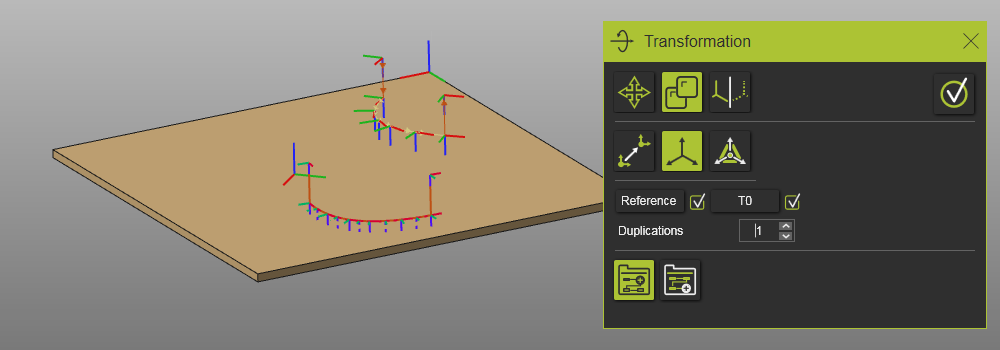
The method works by defining the transformation matrix, a combination of translation and rotation, between two selected frames. Frames and axis systems can be selected here. And furthermore the number of duplications has to be set. Then finally the duplication can be executed.
In the control box of the reference and target the name appears of the selected frame. This reference or target can be modified by picking the control again and select an other frame or axis system.
Manipulator position
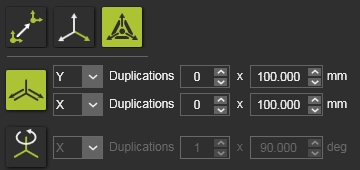
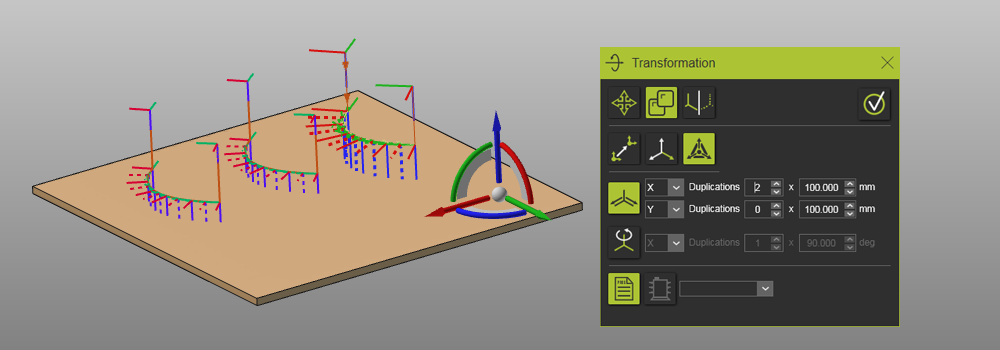
The method uses the manipulator as a reference to define the transformation matrix. The manipulator itself can be positioned with the coordinate and rotation parameters. Then the transformation is being defined. It supports a translation or a rotation that can be chosen by pressing the corresponding icon in the panel.

The translation is defined by:
 | Translation direction The (manipulator) reference direction can be picked from the drop down list. The translation can be defined in two directions. |
 | Duplication factor The number of duplications and their translation distance. |

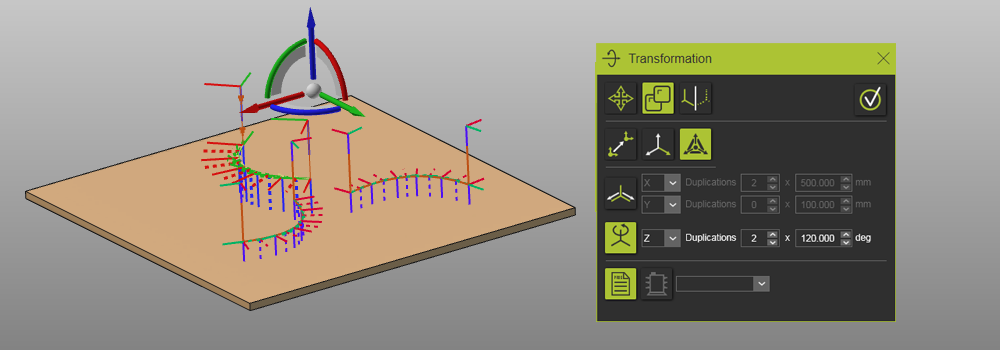
The rotation is defined by:
| Rotation axis The (manipulator) reference axis can be picked from the drop down list. |
 | Duplication factor The number of duplications and their rotation angle. |
Duplicate location option
With the duplication there is an option to decide where the duplicated toolpath is being placed in the flowchart of the program. This option depends on from where the command has been initiated, e.g. a program, an operation group or an operation.
These duplication location options are placed at the bottom row of the panel.

| On program | |
 | Add to same controller A new program will be created and added to the program list of the controller. |
 | Add to other controller The program will be copied to the other controller that is selected from the drop down list. |
| On operation group | |
 | Add after Adds the duplicated operation group in the flowchart directly after the original group from where the duplication has been initiated. |
 | Add at last position Adds the duplicated operation group after the last operation group in the flowchart. |
| On operation | |
| Add after Adds the duplicated operation directly after the original operation in the group from where the duplication has been initiated. |
 | Add at last position Adds the duplicated operation after the last operation in its group. |