Single step workpiece creation

Single step workpiece creation is not a typical command, nor a button to press. It is an automated sequence of several activities that normally have to be executed step by step to build a workpiece from scratch, but now are combined in a single action.
Create the workpiece
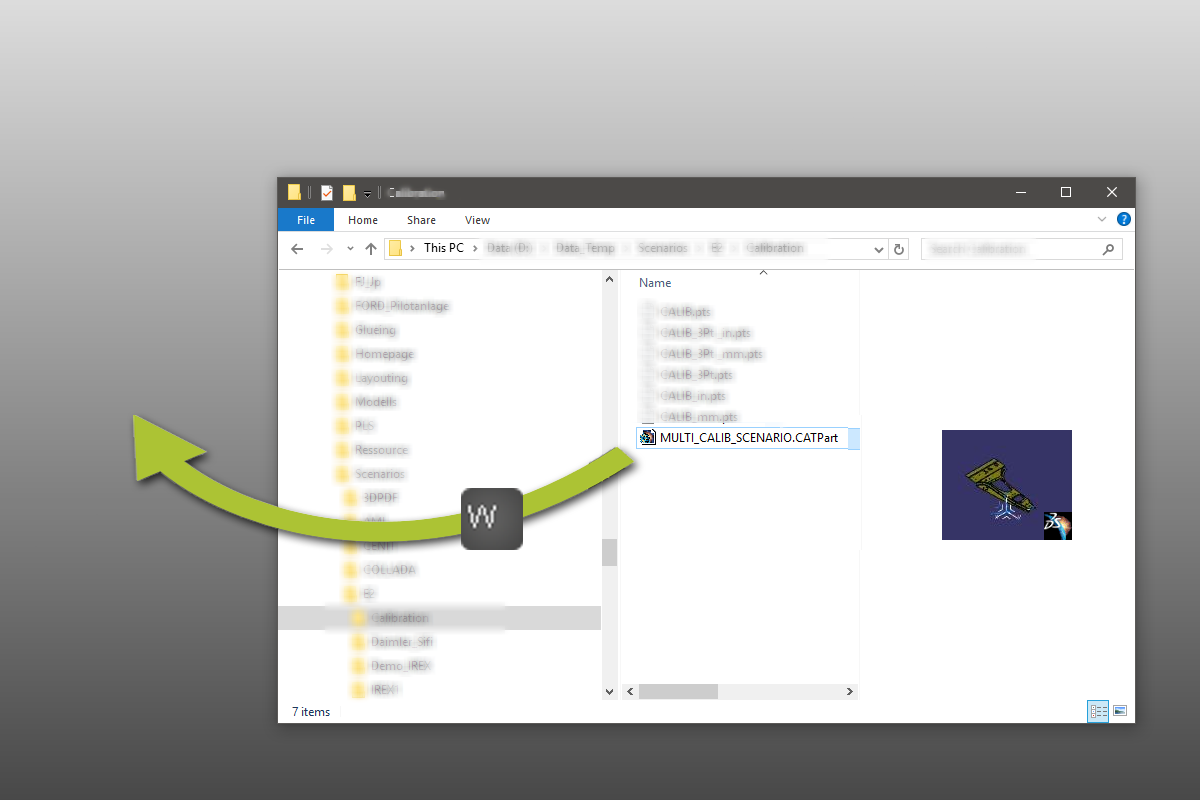
From any file browser you can drag a CAD file into the running session. Normally this would import the geometry for further actions.
The key to automatically create a complete workpiece out of this CAD data is dragging the file into the session, while keeping the  key (of Workpiece) pressed. When releasing the file, the system will execute the necessary steps to create a new workpiece out of the imported data.
-
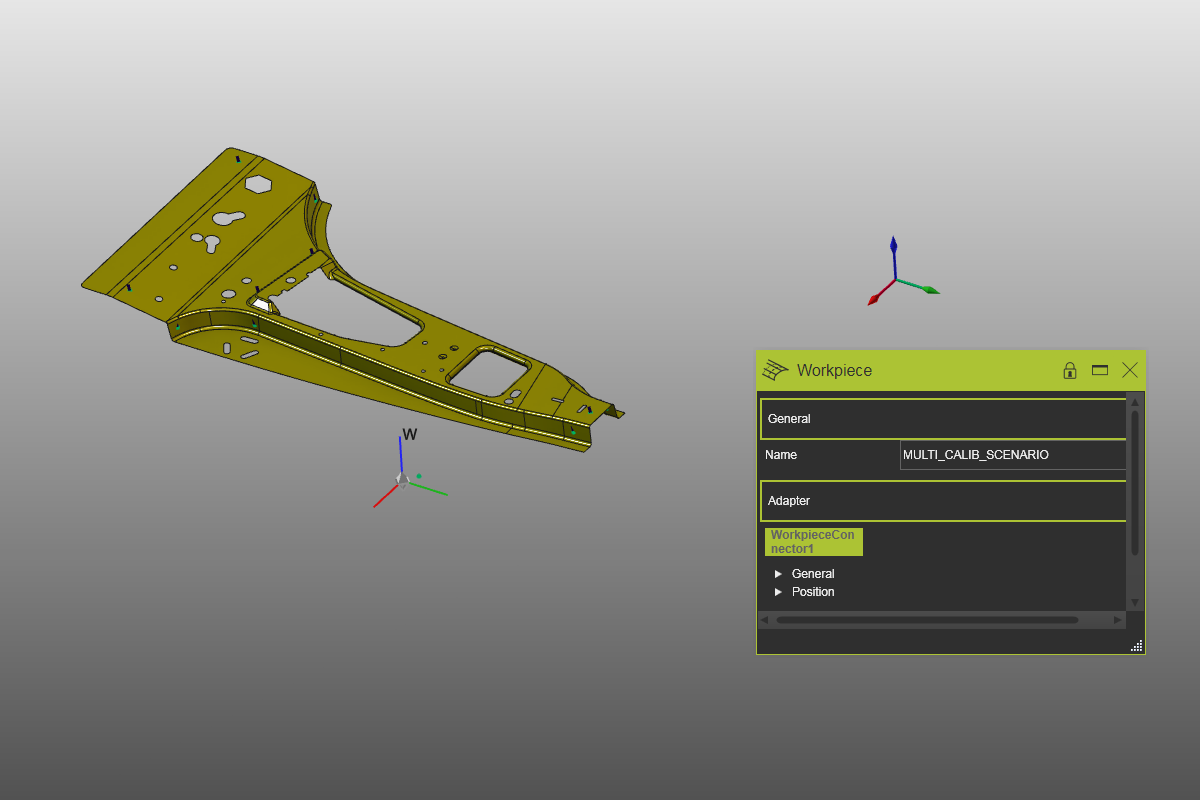
A new workpiece object is created.
-
All geometry from the CAD file is imported with the root of the CAD origin.
-
All geometry is attached to the workpiece.
-
The initial name of the workpiece is read from the CAD file.
-
A mechanical child adapter is created at the root, to connect the workpiece to a supporting resource.
| Drag file & drop with W-key pressed | Result |
|---|---|
 |  |
This approach to build the workpiece with a single step is not restricted to the Workpiece Preparation workbench. It can be executed in any other workbench as well.
Create the workpiece in a project
Within a layout or project the single step creation method can be executed even more intelligent than on workpiece level.
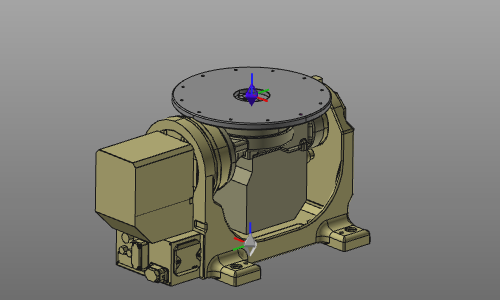
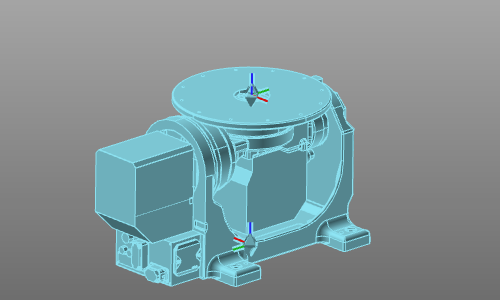
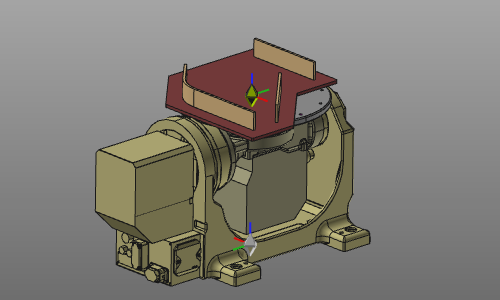
When dropping the CAD data instead in the 3D space, but anywhere on a resource that accepts workpiece connections, the workpiece not only is imported but also positioned on the receiving resource where the workpiece mechanical child adapter has been connected to the resource parent adapter.
| Resource in layout | Drop on resource | Workpiece created and connected |
|---|---|---|
 |  |  |
Reposition the workpiece mechanical child adapter
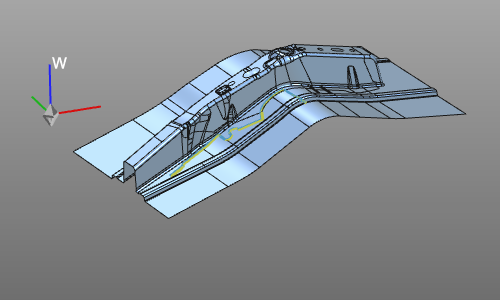
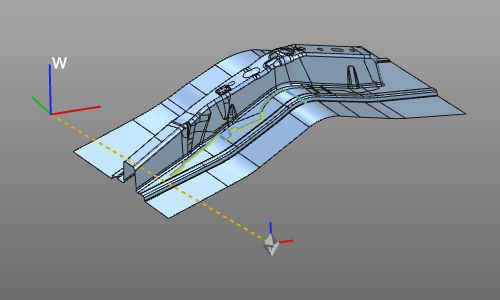
When the CAD data has been imported with the above described method, the workpiece has been built accordingly. The mechanical child adapter is created in the root frame of the workpiece. This position might not be ideal to place the workpiece on a supporting resource device, such as a positioner.
To improve the location of the mechanical adapter, a short cut function is available with use of the  + key combination. Using the root frame coordinate system as reference, a bounding box is calculated around the workpiece. The adapter then will be positioned in the center of the bottom XY plane of that bounding box. Thus, its position might change, its orientation remains as it was before.
| Original situation | Repositioned adapter |
|---|---|
 |  |