Ref_OLP_ActProg_Quality
| Toolpath quality evaluation display | ||
The left part shows the criteria incident list.  The incident icon informs about the evaluation result of that specific criteria. The incident icon is also a switch button to display or hide the evaluation result of that specific criteria. The incident icon informs about the evaluation result of that specific criteria. The incident icon is also a switch button to display or hide the evaluation result of that specific criteria. 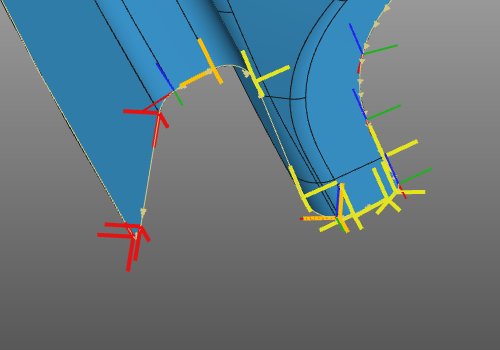 | The right part shows the quality level display selector. It is to define which quality levels are being displayed. In other words; the toolpath elements, the operations, the operation groups and the program information will be colored according the results of the quality evaluation. From the drop down list the preferred display level can be set. |
 | Display only the failure level. |
 | Display the failure and critical levels. |
 | Display all quality levels. |
Was this page helpful?