Frames display filter

With the Show all frames button the frames (i.e. coordinate systems) are displayed or hidden. In the Frame types option, the visualization state can be set for each different type of frame.
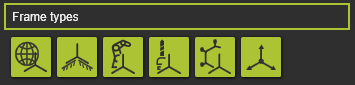
From left to right can be picked in the selector row to show or hide the:
- world origin
- root frame
- base frame
- tool frame
- technology reference
- auxiliary axis systems.
| Show | Hide |
|---|---|
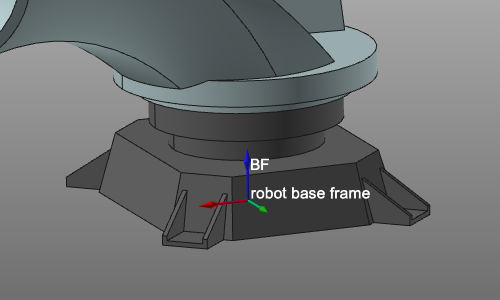 | 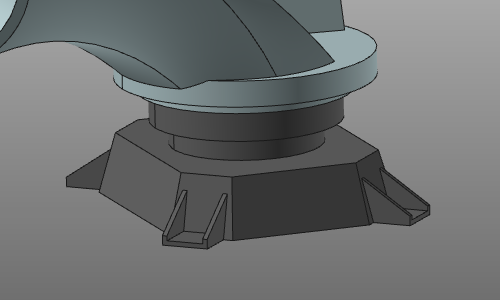 |
Was this page helpful?