Re-size the support plate

With the Re-size command the support plate length can be modified.
To enable the resizing, the command has to be called with the mouse placed at the bottom of the support plate, either at the left or at the right side. At that side the length of the plate can be modified by simply dragging the manipulator, while the other side remains fixed. After release the length of the support plate is recomputed.
| Re-size | Result |
|---|---|
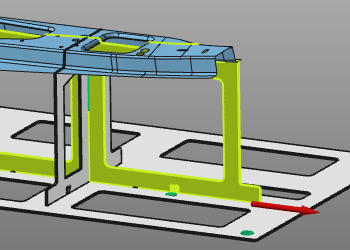 | 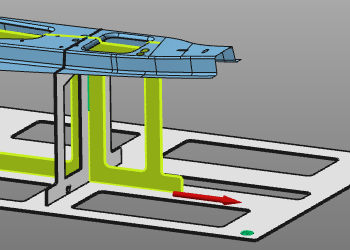 |
On a fixture with flanges type, the upper side support flange can also be re-sized with this command in a similar way.
Moving the mouse over the side support flange and executing the command will set the manipulator at the flange. Dragging it now either to the side, or up or down will re-size this side support flange locally.
| Re-size | Result |
|---|---|
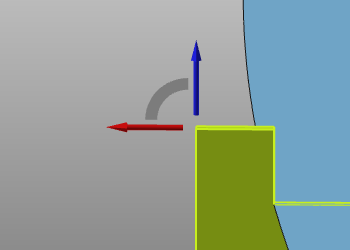 | 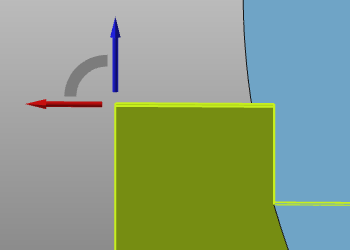 |
The command remains active after a re-size operation. It can be terminated by closing the Manipulator or by pressing the ESC key.
Dragging the Manipulator outside the base plate boundary will re-size the support plate to its maximum possible length on the base plate.