Add a support plate

With the Add support plate command a new support plate can be added to the fixture design.
The new support plate is created using the Manipulator’s position and orientation as reference.
| Position | Added plate |
|---|---|
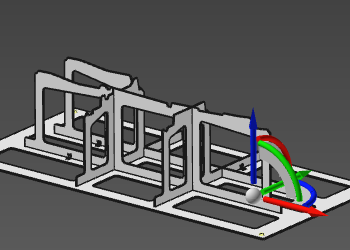 | 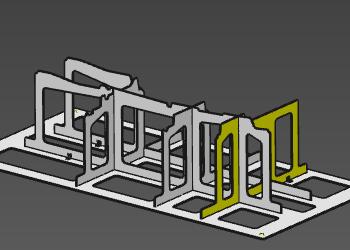 |
When the command is executed on the Manipulator’s U- or V-axis, it creates a new support plate in that direction. When the command is executed on the Manipulator’s center, it creates two new support plates; one in the U- and one in the V-direction.
Placing the Manipulator outside the base plate boundary, or outside the workpiece (projected) boundary, will disable the function.
Was this page helpful?