Place at a coordinate

Pick any position on a geometrical object to place the Manipulator.
| Pick | Located |
|---|---|
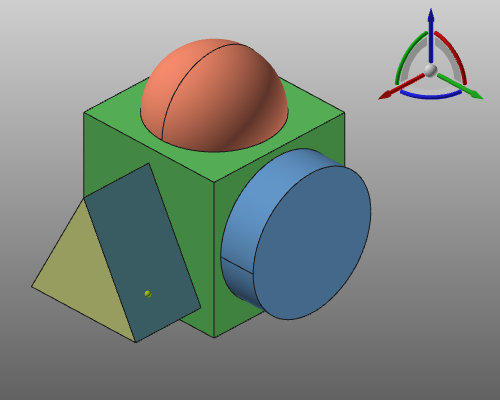 | 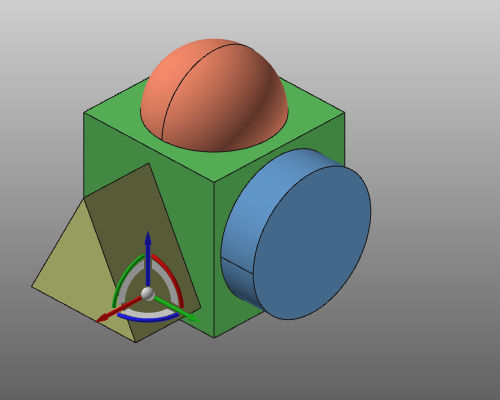 |
It has to be kept in mind that although the Manipulator will be located at a the picked position, its orientation remains the same as before. Also there is no link between the Manipulator and the picked element at which it has been placed. From here the Manipulator’s position and orientation can freely be modified again.
Was this page helpful?