Special features display filter

With the Show the special features button some additional, standard geometrical objects can be shown or hidden. In the Special features option, the visualization state can be set for some different objects.

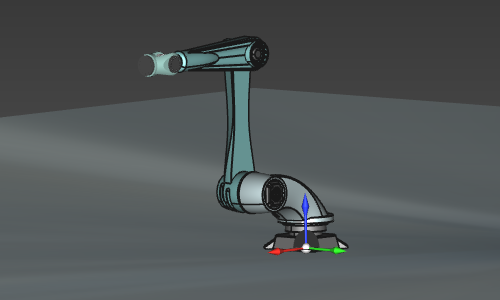
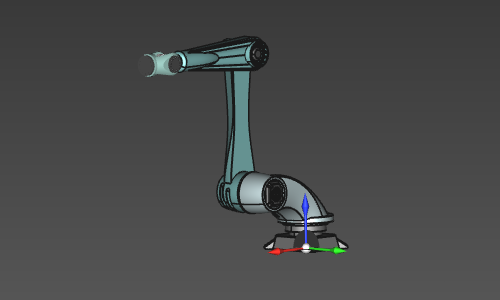
The Show the floor option displays a ground (floor) object at the z=0 level of the global coordinate system.
| Show | Hide |
|---|---|
 |  |

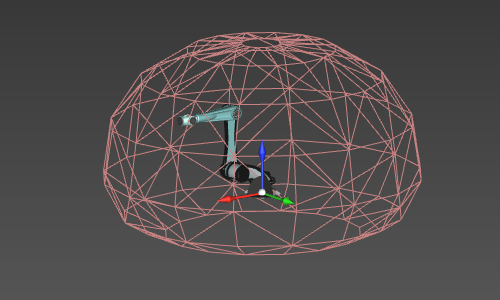
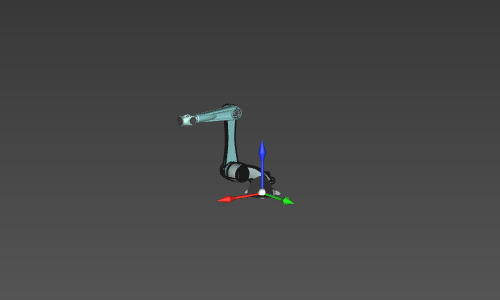
The Show the machine / robot reach option computes and displays the reachability hull of the active resource (or chain of resources). Each time the hull is switched on to display, it will be recomputed again. The default mode therefore is switched to off.
| Show | Hide |
|---|---|
 |  |

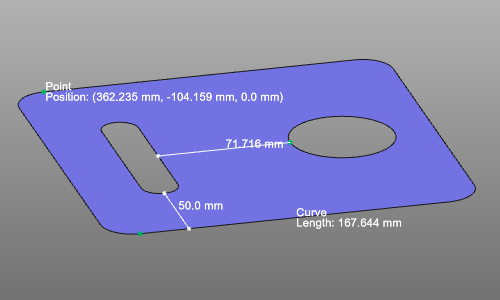
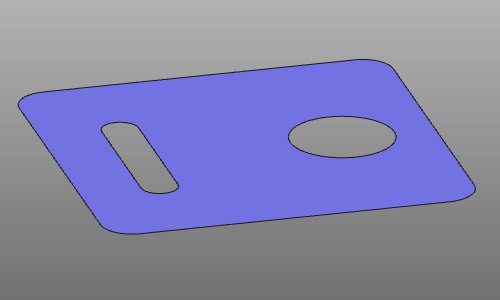
With the Show the measures option the measurements can be displayed or hidden. The default mode therefore is switched to on.
| Show | Hide |
|---|---|
 |  |
Was this page helpful?