Toolpath transformation

Command
With the Toolpath transformation command the toolpath of a complete program, an operation group or single operation can be moved or multiplied.
A panel opens with the various functions and options.
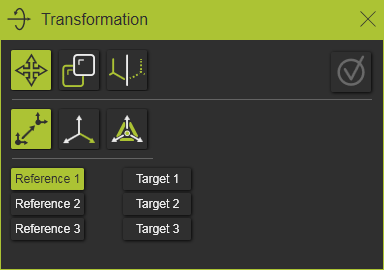
Transformation
The top row of the panel contains the main types of transformation that can be applied. Each of them will have its own set of sub-commands and options.


General commands and options
When a transformation has been defined a preview of the result is displayed.
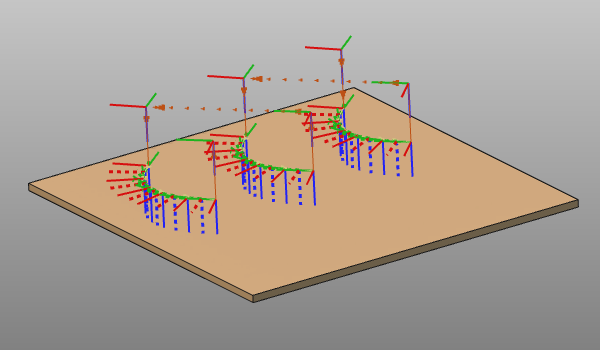
The definition can be modified until final execution of the function.

With the Execution button the transformation will be executed permanently.
The command can be interrupted by pressing the ESC key or when picking another transformation function or option in the panel.
The transformation is an autonomous, one off operation. Their is no relationship or other association between the original toolpath and the moved or duplicated results, nor is the transformation matrix been kept.