Resize the hole diameter

With the Resize command the diameter of the hole(s) can be modified.
When the command is started the size editor appears, showing the current hole diameter. It can be modified by entering a new value. Closing this window, or picking in the 3D View with the left mouse button, will execute the update of the hole size.
| Start | Result |
|---|---|
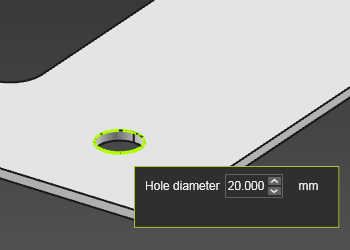 | 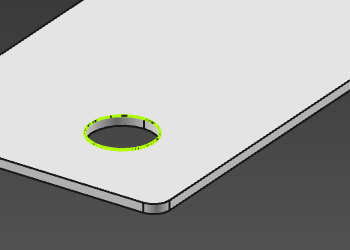 |
Was this page helpful?