Engrave a text

With the Engrave command additional text can be engraved in the base or support plate.
New text is placed with the Manipulator. The center is the starting position for the text. The U-direction will be the engraving direction for the text.
When the command is started a new window appears with the engrave attributes.
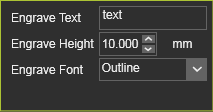
| Attribute | Description |
|---|---|
| Text | The text that will be engraved. |
| Height | The height (mm) of the text. |
| Font | The engraving imprint type. The user can select from: 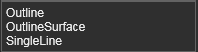 |
The Font attribute defines the type of engraving imprint. Three different imprints are available to select from, each with its specific result.
| Outline | Outline surface | Single line |
|---|---|---|
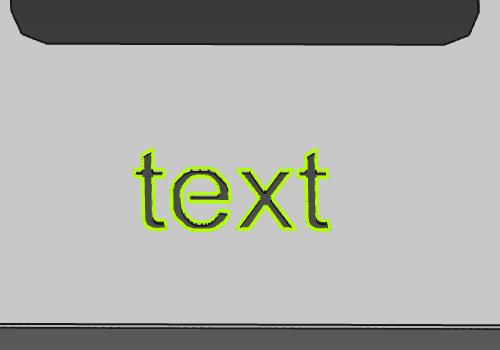 | 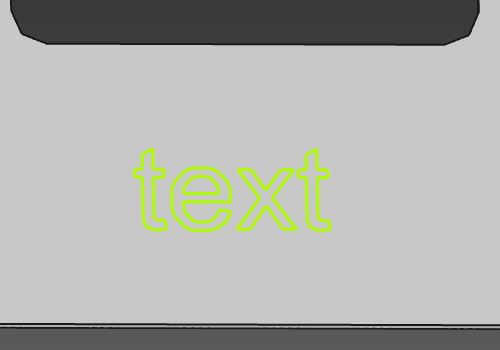 | 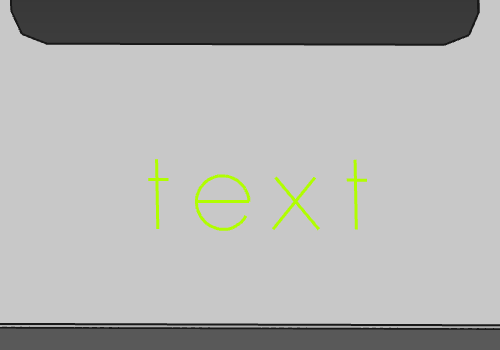 |
Regardless the size of the base plate, the initial creation of the engraved imprint uses the Manipulator’s position. It has no positional link to the plate design.
Was this page helpful?