Add a support plate with given length

With the Add support plate with length command a new support plate with predefined length can be added to the fixture design. A small window appears to enter the required length. This length refers to the workpiece supporting area of the plate, not to the total length of it.
The new support plate is created using the Manipulator’s position and orientation as reference.
| Position & length | Added plate |
|---|---|
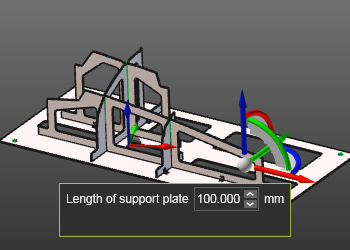 | 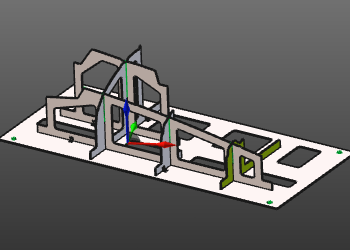 |
When the command is executed on the Manipulator’s U- or V-axis, it creates a new support plate in that direction. When the command is executed on the Manipulator’s center, it creates two new support plates; one in the U- and one in the V-direction.
Placing the Manipulator outside the base plate boundary, or outside the workpiece (projected) boundary, will disable the function.
Alternatively the sub menu can be opened for other support plate creation functionality.