Automatic surface selection

The Automatic surface selection command can be used when the selected surface is a face of a larger domain.
The command will search for all adjacent surfaces to form the maximum domain. For that domain the outer and inner boundaries are used to create contour process geometry.
| Start | Search result |
|---|---|
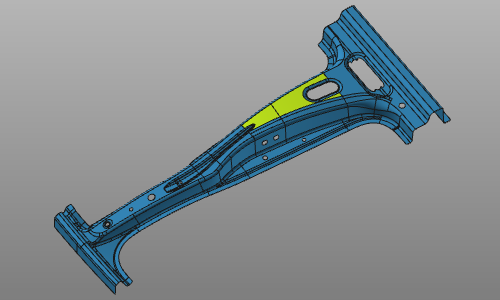 | 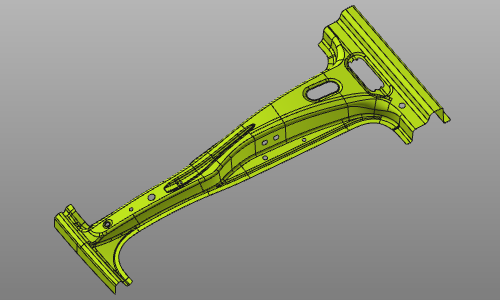 |
The command can be interrupted by executing another command or picking in the empty space of the 3D View.
Was this page helpful?