Toolpath mirror

Command
With the Mirror transformation a mirrored copy of the toolpath will be created.
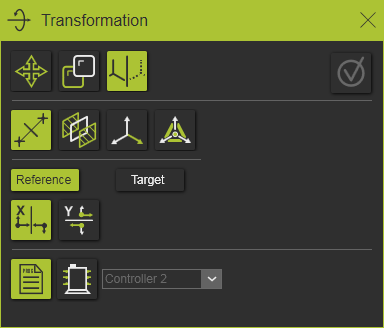
There are four different definitions methods available.
Bisecting point to point
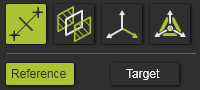
The method builds the mirror plane at the bisect position of and perpendicular to the vector between two selected points.
Starting with the reference point in the panel, the corresponding 3D point has to be selected, after which the target position has to be selected. The selected reference or target position is presented by a small sphere. In the panel itself, a confirmation mark is displayed.
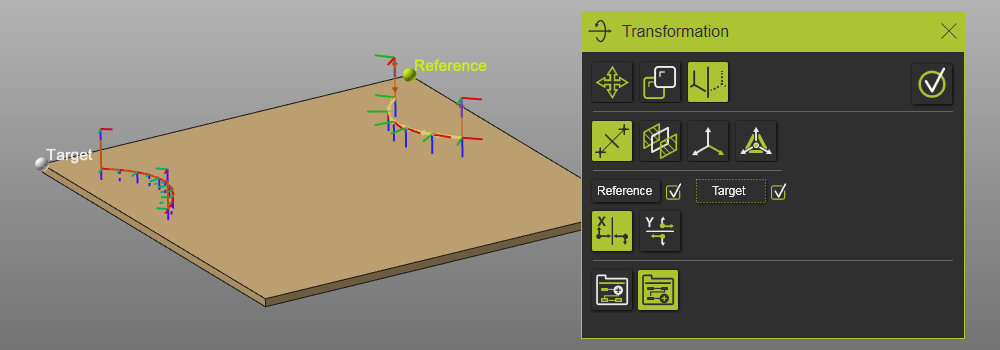
A reference or target point can be modified by picking its control object in the panel. The selected point is deleted automatically, the confirmation mark disappears and a new point can be selected to complete the definition again.
Bisecting two planar faces
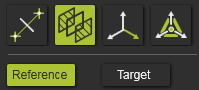
The method builds the mirror plane at the bisect position between two selected planar faces.
Starting with the reference in the panel, the corresponding 3D planar face has to be selected, after which the target planar face has to be selected. Both controls are marked with the confirmation symbol in the panel when a correct planar face has been picked.
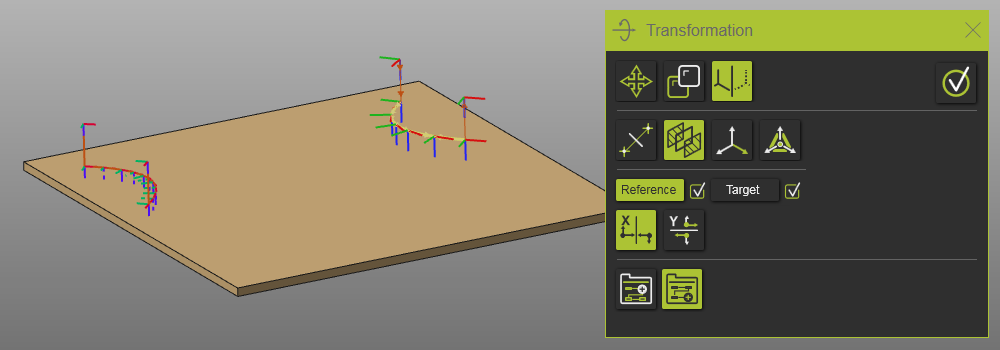
This method is limited currently in such way that the target planar face has to be parallel to the selected reference face.
Frame
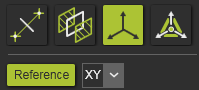
This method uses a plane of an frame or axis system as the mirror plane.
Starting with the reference in the panel, the corresponding 3D frame has to be selected. Then the mirror plane of that frame has to be defined from the drop down selector, after which the confirmation symbol in the panel appears
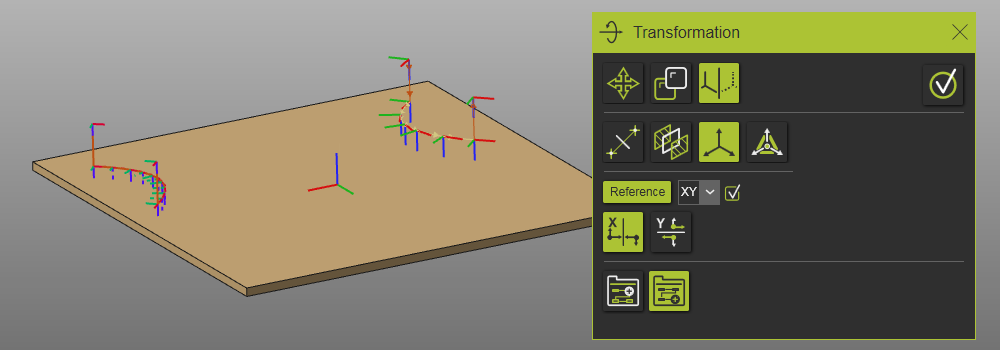
Manipulator position
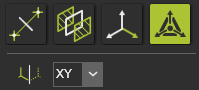
This method uses a plane of the manipulator as mirror plane.
The manipulator has to be positioned, after then the mirror plane has to be defined from the drop down selector. The confirmation symbol appears in the panel when a valid mirror definition has been done.
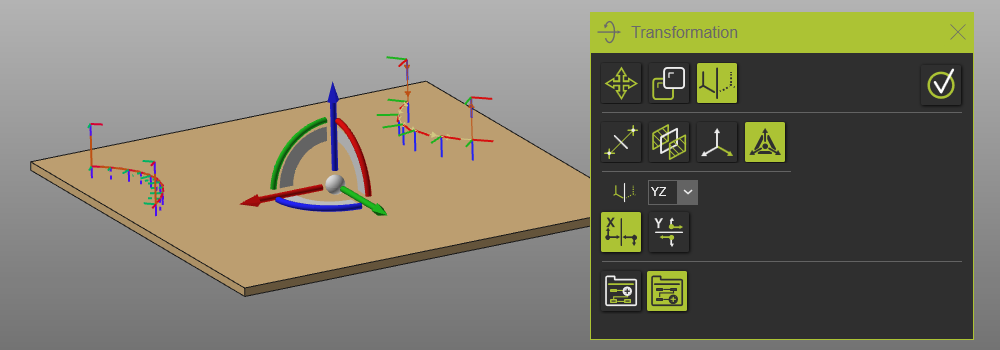
Mirrored orientation option
When mirroring a coordinate system, like a toolpath element, the result might lead to a left handed coordinate system. This however is avoided. The mirror operation will generate a right handed coordinate system for the result toolpath elements.
For achieve this an axis of the mirrored element has to be inverted (or mirrored). And depending on the mirror operation, the X- or Y- axis can be chosen.
With the Mirrored orientation options it has been defined which axis of the mirrored toolpath elements will be inverted.
 | Mirror X Mirrors the toolpath element’s X axis to achieve a right handed coordinate system. | 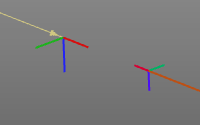 |
 | Mirror Y Mirrors the toolpath element’s Y axis to achieve a right handed coordinate system. | 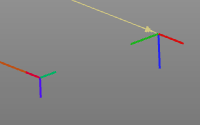 |
Duplicate location option
With the duplication there is an option to decide where the duplicated toolpath is being placed in the flowchart of the program. This option depends on from where the command has been initiated, e.g. a program, an operation group or an operation.
These duplication location options are placed at the bottom row of the panel.

| On program | |
 | Add to same controller A new program will be created and added to the program list of the controller. |
 | Add to other controller The program will be copied to the other controller that is selected from the drop down list. |
| On operation group | |
 | Add after Adds the duplicated operation group in the flowchart directly after the original group from where the duplication has been initiated. |
 | Add at last position Adds the duplicated operation group after the last operation group in the flowchart. |
| On operation | |
| Add after Adds the duplicated operation directly after the original operation in the group from where the duplication has been initiated. |
 | Add at last position Adds the duplicated operation after the last operation in its group. |