Rendering
Rendering uses light sources and shading effects to give the (geometrical) objects a certain 3D realistic impression. The combination of this rendering with the 3D manipulation (pan, rotate and zoom) may cause the process simulation to be displayed in (slightly) different colors than what has been defined in the color scheme. Illuminated rendering is a feature that ignores these 3D rendering effects on the process simulation geometry. Pressing the option button will switch the illuminated rendering on or off.
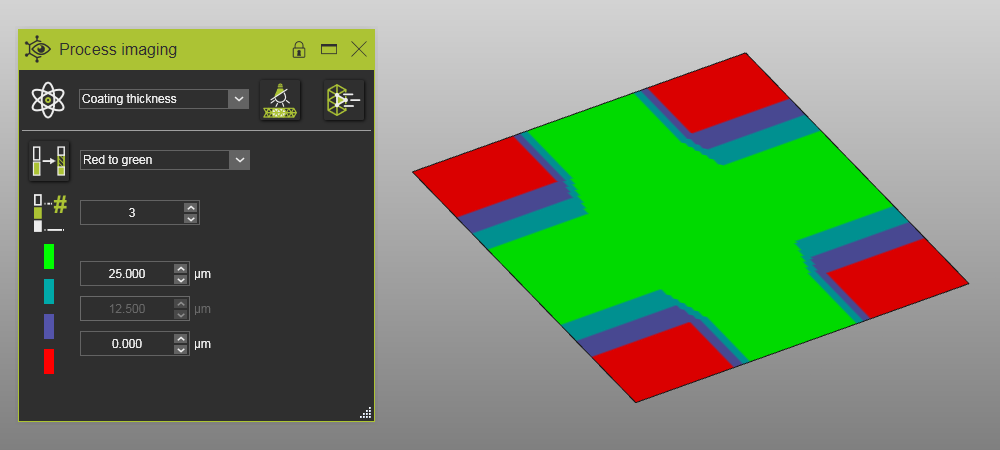 | 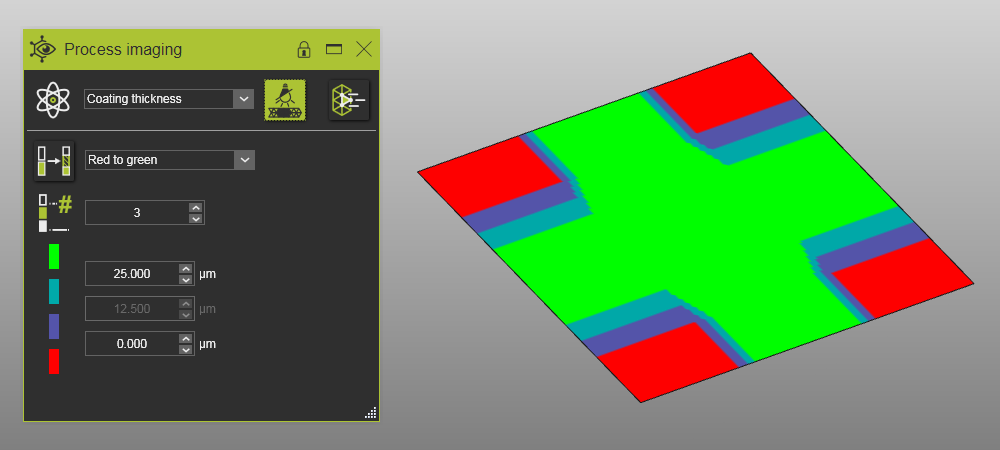 | |
| Disabled illuminated rendering | Enabled illuminated rendering |
Was this page helpful?