Table columns display option
The toolpath table includes several columns with certain information. To show all these columns the window may become too large to work with in relation with the 3D space.
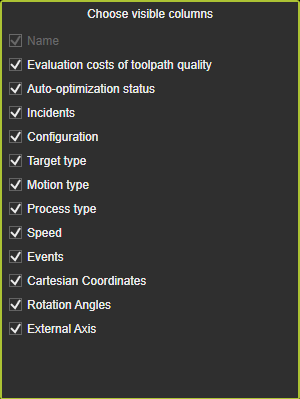
This Settings button opens a panel with all present columns listed. Each of them can be checked or unchecked to have it appearing in the table.
Was this page helpful?