Calibration

With the Calibration command, a workpiece or resource can be adjusted to its real position in the workcell.
When started, a panel appears to define the calibration references and solution options. In the top menu the calibration method and the options can be set.
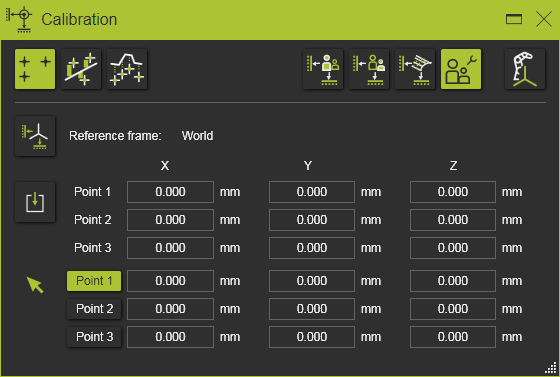
There are three calibration methods available:
 | 3 Point calibration Position adjustment measured from 3 pairs of calibration points. Typically being applied to position workpieces on a fixture or to position other devices that usually have fixed measurable reference positions to place and align the component. |
 | Linear least square calibration Position adjustment measured from n pairs of calibration points by minimizing the sums of the squares of deviation between the measured and expected values. Typically being applied on resources, or workpieces, that have clear reachable and defined points or edges on the real and virtual component, that can be picked and measured. |
 | Multi point calibration Position adjustment measured from multiple points on the surface of the workpiece. Typically being applied on workpieces of which the real shape has a degree of deformation compared to its original digital shape and that have no clear defined positions that can be picked to measure. |
Was this page helpful?