Move the manufacturing geometry

With the Move command the manufacturing geometry, i.e. the operation, of the selected PG can be repositioned.
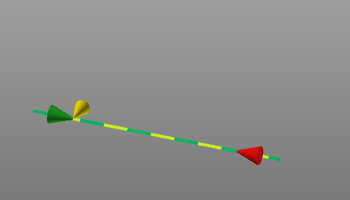
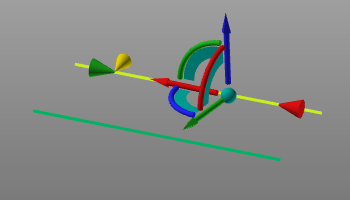
When the command is started the Move manipulator appears. The manufacturing geometry now can be translated and / or rotated to a new wanted position by making use of the Manipulator’s interactive functionality or coordinates window to place the PG at the required location and orientation.. Clicking the left mouse button somewhere in the 3D View will make the new position permanent. The toolpath will be generated here (creating new or update of existing toolpath).
 |  |
Was this page helpful?