Create a contour process geometry

With the Create a contour process geometry command a contour based PG is generated on the selected surface.
A contour control point appears at the position on the surface from where the command has been started.
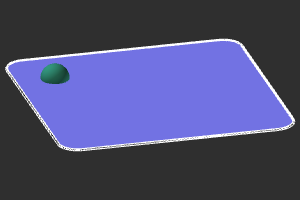
Additional control points can be added to start the contour search engine and modified. The result is displayed.
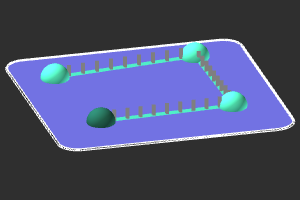
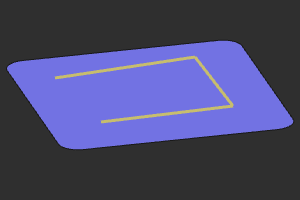
The process geometry creation is completed by pressing the

key, executing another command or picking in the empty space of the 3D View.
Was this page helpful?