Add a path tree

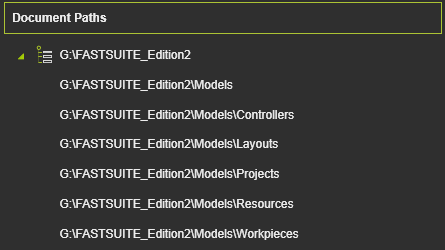
The Add tree path command opens a standard file browser window. Here any absolute path (or folder) can be selected. In this case the path including its sub folders are added to the list like to example below. The symbol in front of the member name signals that the whole tree of the path has become part of the list.

The toggle symbol at the left side of the member enables to open or close the sub folder display.
Was this page helpful?