Teach manipulator
The Teach Manipulator basically is a same object as the standard manipulator. The way to use it, its behavior and its response is identical.
What makes this Teach Manipulator different is that it is called automatically when a teach command has been started. And furthermore, the Position dashboard is slightly different.
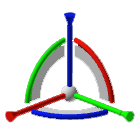 | ||
 | Displays and edits the position and rotation relative to the current base frame. | 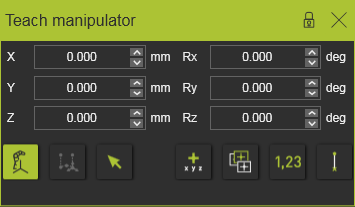 |
 | Displays and edits the position and rotation relative to the initial position of the toolpath element. | 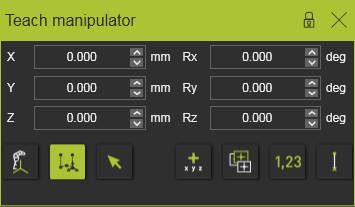 |
 | Displays and edits the position and rotation relative to a local reference coordinate system. The local reference coordinate system has to be selected after the mode has been activated or re-started. The position window will be switched off temporarily until the reference coordinate system has been selected. | 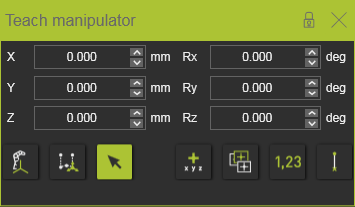 |
 | Toggle to move in absolute (off) or relative (on) mode. In relative mode the values are reset to zero as new reference. The move displays the new position and orientation relative to this reference. |  |
 | Toggle to switch the orientation of the Manipulator to the toolpath element (off) or to the current base frame (on). |  |
 | Toggle to move the Manipulator freely or according the rounding step. |  |
 | Shows or hides a black connection line between the reference and the new position, when applying one of the two relative position commands. | 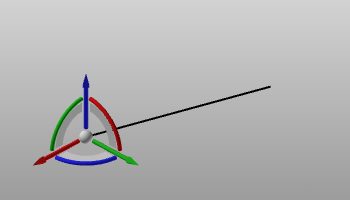 |
When a toolpath element is selected the Teach manipulator behaves identical as the Move manipulator.
Was this page helpful?